You click a link to a trending music video, a sports highlight, or a news clip, and instead of the content, you get the most annoying black screen on the internet:
“The uploader has not made this video available in your country.”
It’s not your internet connection, and it’s not a glitch. You have hit a Geo-Block.
Whether you are traveling abroad and can’t access your home content, or you are trying to watch a show that is exclusive to another region (like Japan or the UK), YouTube’s digital borders are stopping you.
Most people try to solve this with free browser plugins, but YouTube has declared war on them. If you want to unlock global content without endless buffering or “Verify You’re Human” CAPTCHAs, you need to understand how these blocks work—and the only reliable way to teleport past them.
The Invisible Wall: Why YouTube Blocks Specific Videos
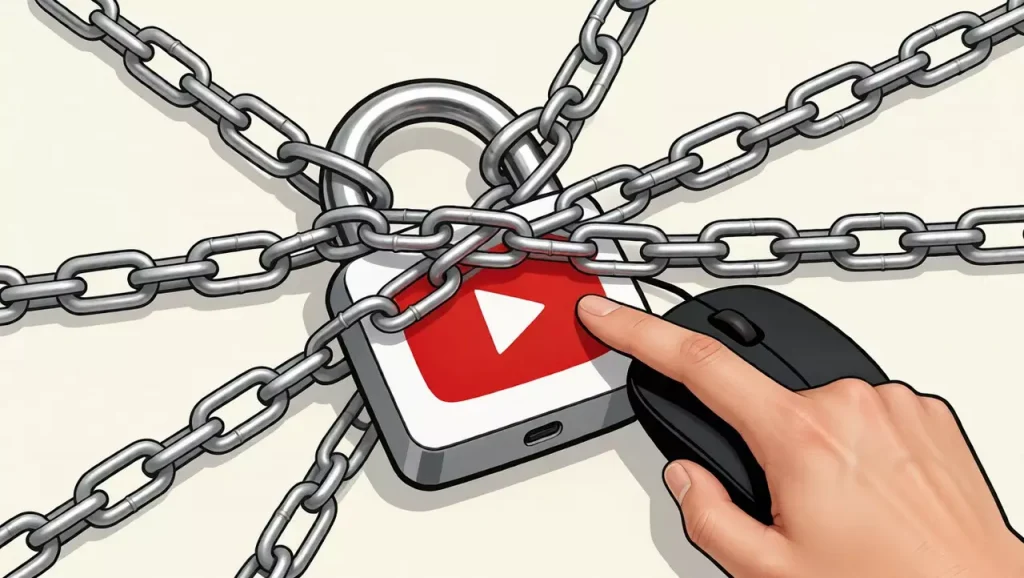
Unlike a school firewall that blocks the entire website, Geo-blocks are precise. They are enforced by YouTube itself based on Copyright Licensing Laws.
- Music & Entertainment: Record labels often sell distribution rights country-by-country. A K-Pop video might be viewable in Korea but blocked in the US for 24 hours.
- Sports Broadcasting: If a local TV station bought the exclusive rights to the NBA finals in France, YouTube must block that stream for all French IP addresses.
- Censorship: Some governments force YouTube to block specific channels (e.g., news or political content) within their borders.
To watch this content, you don’t just need an internet connection; you need a connection that convinces YouTube you are physically located in the “Allowed Region.”
Why Standard VPNs Are Failing in 2026
For years, the advice was “Just use a VPN.” But recently, you might have noticed that even with a VPN on, YouTube behaves strangely:
- The CAPTCHA Loop: You are asked to identify traffic lights every 5 minutes.
- Premium Blocking: You can’t sign up for YouTube Premium or Music because “Your transaction cannot be completed.”
- Speed Throttling: The video defaults to 480p and refuses to load HD.
The Reason: YouTube knows the IP addresses of popular Data Center VPNs. When 10,000 people try to watch a video from the same “Server Farm” IP, YouTube flags it as “Non-Human Traffic” and degrades the experience.
To bypass this without triggering the alarm, you need a IPhalo secure network connection that provides a genuine digital footprint.
The Solution: Residential Proxies for Region Unlocking
If you want to appear as a local user in Tokyo, London, or New York, you need a Residential IP.
Unlike a VPN server sitting in a rack, a Residential Proxy routes your traffic through a real device (like a home Wi-Fi router) in the target country.
Why this works for Unblocking:
- True Location Spoofing: Because the IP belongs to a real ISP (like British Telecom or AT&T), YouTube has no reason to doubt your location. You get the exact content a local resident sees.
- No “Bot” Flags: Since you aren’t sharing a dirty Data Center IP with hackers and bots, you avoid the CAPTCHAs and “Suspicious Activity” warnings.
- High-Speed Streaming: High-quality residential proxies are optimized for bandwidth, allowing you to stream 4K content without the “VPN lag.”
How to Watch Blocked Videos (Step-by-Step)
Here is the proven workflow to access any video, anywhere.
- Identify the Target Region: Google where the video is available. (e.g., “Is BBC content available in the US?” -> No, you need a UK IP).
- Choose a Static Residential Proxy: Don’t use a “Rotating” proxy (which changes IP every request). You want a Static Residential IPthat keeps you in the same city for the whole session.
- Configure: Enter the proxy details into your browser (using a proxy extension like SwitchyOmega) or your phone settings.
- Verify: Check
whoer.netto confirm your location now says “United Kingdom” (or your target country). - Refresh YouTube: The “Video Not Available” error will vanish, replaced by the Play button.
Comparison: Free Proxy vs. VPN vs. Residential IP
| Feature | Free Web Proxy | Standard VPN | Residential Proxy (IPhalo) |
| Region Accuracy | Poor (Random countries) | Good (Country level) | Excellent (City level) |
| Streaming Speed | Very Slow (Buffering) | Variable (Throttled) | High (Native Speed) |
| YouTube Detection | High (Instant Block) | Medium (CAPTCHAs) | Zero (Undetectable) |
| Ideal For | Reading text | General browsing | 4K Video & Premium |
Bonus: Cheaper YouTube Premium?
Disclaimer: We are discussing technical possibilities, not financial advice.
Many savvy users know that YouTube Premium costs differently in different countries. For example, it is significantly cheaper in Turkey or Argentina than in the US or UK.
However, YouTube now requires your Payment Card Region to match your IP Address Region.
Standard VPNs usually fail at the checkout page because YouTube detects the proxy. Users with Residential IPs often report higher success rates in managing their international subscriptions because they look like genuine local residents.
Summary
The “Video Not Available” error is artificial. It’s a digital fence put up by licensing agreements.
Don’t let your location dictate what you can watch. Whether you are an expat missing home TV, a student trying to access educational content, or a fan of international media, the right connection makes borders disappear.
Stop fighting with low-quality VPNs that ruin your video quality. Unblock global content today with a connection that puts you anywhere in the world.
FAQ
Q: Why does YouTube say “Verify your identity” when I use a VPN?
A: This is a security feature. When you suddenly “teleport” to a new country using a known VPN IP, YouTube suspects your account was hacked. A Residential IP is less likely to trigger this because it looks like a normal travel connection.
Q: Can I unlock YouTube Music with this method?
A: Yes. YouTube Music has even stricter geo-fencing than regular videos. A Residential Proxy covering the target country will unlock the full library of that region.
Q: Is it legal to bypass geo-blocks?
A: Accessing geo-restricted content is generally not illegal in most jurisdictions, though it may violate YouTube’s Terms of Service. Always check your local laws.