For data analysts, web scrapers, and automation engineers, seeing the error message “Your IP has been temporarily blocked” is a critical workflow interruption. Unlike a permanent ban, this message usually indicates a specific, time-bound security trigger.
It often correlates with an HTTP 429 (Too Many Requests) status code. This guide analyzes the technical reasons behind these blocks and outlines specific strategies to fix the “Your IP has been temporarily blocked” error permanently.

Part 1: Why “Your IP Has Been Temporarily Blocked” Happens
To resolve the issue, you must understand the trigger. When a server returns the “Your IP has been temporarily blocked” response, it is acting on specific security rules configured in its firewall.
Trigger 1: Excessive Request Rate The most common reason users encounter this message is Rate Limiting.
- The Logic: If a single IP address sends too many requests within a short timeframe, the server flags the activity as non-human.
- The Result: The firewall automatically issues a cooldown period, displaying the “Your IP has been temporarily blocked” notification to slow down the traffic.
Trigger 2: Low-Quality IP Reputation Security systems also analyze the type of connection.
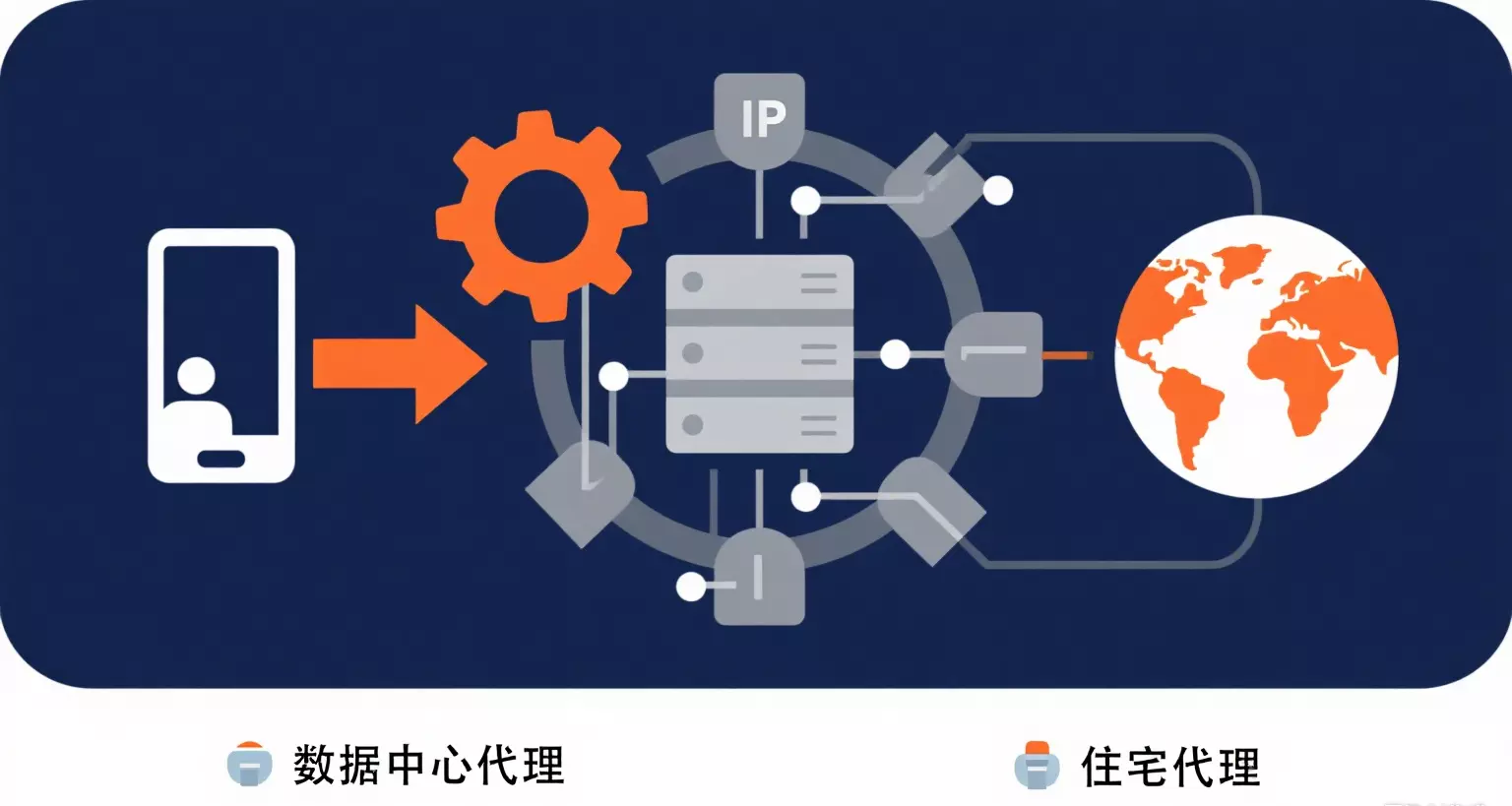
- Datacenter IPs: If you use a standard VPN, your IP is tagged as commercial. Since real users rarely browse from data centers, strict websites often trigger this block preemptively.
- Bad History: If you are using a shared public proxy, the previous user may have abused the IP, causing you to see the “Your IP has been temporarily blocked” warning immediately upon connection.
Part 2: How to Avoid the “Temporarily Blocked” Message
Since the error is tied to your specific IP address, restarting your router is often insufficient. To reliably avoid the “Your IP has been temporarily blocked” message, you need to upgrade your network infrastructure.
Switching to Residential Infrastructure The most effective solution is to route traffic through legitimate Internet Service Providers.
- ISP Trust:IPHALO provides IPs assigned by legitimate ISPs. When you route traffic through these nodes, your requests appear to come from standard home users.
- The Benefit: Because Residential IPs hold a high trust score, they are far less likely to trigger the behavioral filters that cause the “Your IP has been temporarily blocked” error.
Implementing IP Rotation For tasks like web scraping, a static IP will eventually hit a limit.
- The Fix: Utilizing auto-rotating proxy endpoints allows your system to assign a fresh IP address for every new request.
- The Outcome: The target server sees requests coming from thousands of different devices, ensuring that no single IP ever exceeds the limit. This is the definitive way to ensure you never see “Your IP has been temporarily blocked” again during high-volume tasks.
Part 3: Configuration to Fix IP Blocks
Restoring access requires correct implementation. Poor configuration can leak your identity, leading the server to serve the “Your IP has been temporarily blocked” page again.
1. Protocol Selection (SOCKS5) Ensure your tools use the SOCKS5 protocol. If your DNS leaks your real location while your HTTP traffic uses a proxy, the mismatch can trigger the security block.
2. Header Management An IP block is often accompanied by a browser fingerprint check. Ensure your automation tool rotates valid “User-Agent” strings. Sending requests without headers is a surefire way to trigger the “Your IP has been temporarily blocked” status.
3. Respecting Delays Even with rotating proxies, adding a slight random delay (jitter) between requests helps mimic human behavior, further reducing the likelihood of triggering aggressive WAF rules.
FAQ: Troubleshooting IP Blocks
Q: How long does the “Your IPhas been temporarily blocked” error last? A: It varies by site configuration, typically ranging from 15 minutes to 24 hours. However, by switching to a fresh Residential IP node, you can resolve the issue immediately without waiting for the timer to expire.
Q: Can I use a VPN to fix “Your IP has been temporarily blocked”? A: VPNs can work temporarily, but they often use shared Datacenter IPs that are easily detected. Once a Datacenter IP subnet is flagged, you will likely encounter the “Your IP has been temporarily blocked” message again very quickly.
Q: Does IPHALO allow for high-concurrency scraping? A: Yes. IPHALO’s infrastructure is built for scale. By leveraging a global pool of IPs, you can run multiple concurrent threads without hitting the single-IP limits that cause blocking.
Ready to resolve your connection issues? Eliminate workflow interruptions today. You can create an IPHALO account to access our pool of clean, ISP-verified IPs and restore stable connectivity.