Accessing information should be simple. Yet, millions of users daily face the frustrating message: “This video is not available in your country.”
Whether you are a digital nomad traveling abroad, a student doing research, or a professional working in an office with strict network policies, losing access to YouTube can disrupt your workflow.
However, regaining access doesn’t require “hacking” or breaking rules. It simply requires understanding how internet traffic works.
If you are searching for YouTube Unblocked, this guide is for you. We focus on safe, legitimate, and privacy-conscious methods to access content, ensuring your data remains secure while you browse.
Why Is Access Restricted? (The Root Causes)
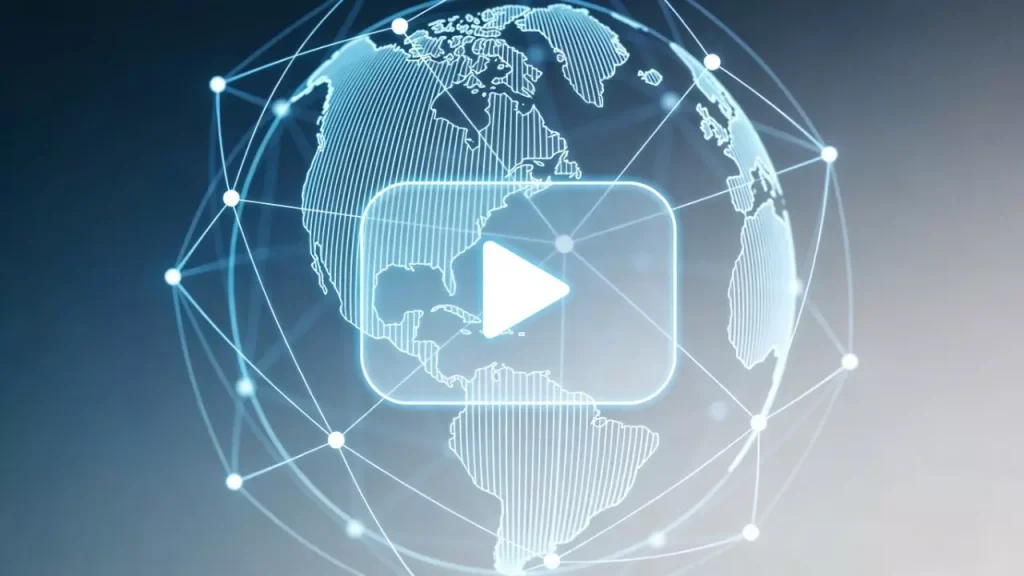
Before we fix the problem, we must understand the cause. Legitimate restrictions usually happen for two reasons:
- Geo-Licensing (Region Locks)
Content creators and networks often sell broadcasting rights country by country.
- The Scenario: You are a US resident traveling in Japan. You try to watch a clip from a US news channel, but it’s blocked.
- The Reason: YouTube sees your Japanese IP address and enforces local licensing laws. You aren’t doing anything wrong; you are just in the “wrong” digital location.
- Local Network Policy (Firewalls)
Schools and corporate offices often block high-bandwidth sites like YouTube to prioritize email and work traffic.
- The Reason: It’s a bandwidth management issue. The network administrator has blacklisted the youtube.com domain to prevent network congestion.
4 Safe Methods to Unblock YouTube
Here are the most reliable methods to restore access, ranked by security and ease of use.
Method 1: Use Mobile Data (The Simplest Fix)
If you are at school or work and the Wi-Fi blocks YouTube, the easiest and safest solution is to switch networks.
- How: Disconnect your phone or laptop from the local Wi-Fi and connect to your cellular data (4G/5G) or a personal hotspot.
- Why it works: You are no longer using the restricted local network. You are using your carrier’s open network.
- Pros: 100% legal, secure, and requires no software installation.
- Cons: Consumes data plan; does not solve Region Locks (Geo-blocking).
Method 2: Residential Proxies (The “Digital Traveler” Solution)
For users facing Geo-Restrictions (e.g., travelers) or those who need high privacy, Residential Proxies are the professional standard.
What is the difference between a VPN and a Residential Proxy?
- VPNs often use “Commercial Server IPs.” Streaming platforms easily detect these and block them.
- Residential Proxies route your connection through an IP address assigned by a legitimate Internet Service Provider (ISP) to a real home location.
Why choose this? If you use a service like IPhalo, you can choose to route your traffic through a residential IP in your home country. To YouTube, it simply looks like you are browsing from home, granting you full access to your local content library without triggering security alerts.
- Best for: Travelers, Expats, and Privacy-conscious users.
Method 3: Google Translate (The Browser Trick)
This is a helpful workaround for simple text-based blocks in strict environments.
- How: Go to Google Translate, type the YouTube URL in the left box, and click the link that appears in the translated right box.
- Why it works: You are viewing the page through Google’s server, not directly. Since most networks allow Google Translate for educational purposes, this often bypasses basic domain filters.
- Note: This may not play video perfectly but is great for reading comments or video descriptions.
Method 4: Browser Privacy Extensions
Some legitimate browser extensions can help reroute traffic.
- Recommendation: Look for extensions labeled as “Secure Proxy” or “VPN” in the official Chrome/Edge Web Store.
- Warning:Avoid “Free Unlimited” extensions. Maintaining a server costs money. If an extension is free, they are likely tracking your data to sell to advertisers. Always stick to reputable, paid, or well-reviewed tools.
Safety First: What to Avoid
When trying to unblock content, many users fall into traps that compromise their security. Here is what you should avoid:
- Avoid “Free Web Proxies”
Websites that ask you to paste a URL into a bar (like “HideMyAss” free web proxy) are often insecure.
- Risk: They often do not use HTTPS encryption, meaning the proxy owner can see exactly what you are watching and typing.
- Avoid “Cracked” Software
Never download “cracked” versions of YouTube apps to bypass ads or blocks.
- Risk: These files often contain malware that can steal your passwords or install crypto-miners on your device.
FAQ: Access & Privacy
Q: Is it illegal to use a proxy to watch YouTube?A: No. Using a proxy or VPN to protect your privacy or access your home content while traveling is legal in most countries. However, using these tools to engage in illegal activities (like copyright infringement) is not condoned.
Q: Why does YouTube ask for a CAPTCHA when I use a VPN?A: This happens when many users share the same VPN server IP. YouTube sees “unusual traffic” coming from one address. Residential Proxies solve this by providing unique, dedicated IPs that don’t trigger these bot checks.
Q: Can I unblock YouTube without admin rights?A: Yes. If you cannot install software on a work computer, using a Portable Browser (on a USB stick) or a simple browser extension (if allowed) are the best non-invasive options.
Conclusion
Regaining access to YouTube doesn’t mean you have to compromise your security or break the law. Whether you simply need to switch to a mobile hotspot or use advanced Residential Infrastructure to bypass region locks while traveling, the goal is safe, seamless access.
Always prioritize privacy. Avoid shady “free” tools, and stick to trusted methods that keep your data secure while you browse.