Web Telegram has become an essential tool for digital nomads, community managers, and professionals who need flexible messaging without installing heavy desktop software. It offers the freedom to chat from any browser, on any device.
However, relying on public Wi-Fi or standard office networks comes with frustrations. You might face location-based restrictions, unstable connections during travel, or privacy concerns when sharing an IP address with hundreds of others. This guide explores how to optimize your web session for stability and privacy.

Part 1: Getting Started with Web Access
For new users, the web interface is surprisingly robust. It mirrors your mobile app’s data in real-time.
The Login Workflow
Accessing your chats is straightforward:
- Go to the URL: Navigate to the official Web K or Web Z sites.
- Authenticate: Open Telegram on your phone, go to Settings > Devices, and scan the QR code.
- Sync: Your chats load instantly.
The Hidden Problem: Network Dependency
Here is the catch: The web client is entirely dependent on your browser’s current internet connection.
- The “Local View” Issue: If you are a market researcher in London trying to view a Telegram channel as if you were in Tokyo, a standard connection fails. You only see the UK version of the content.
- The “Public IP” Risk: When using coffee shop Wi-Fi, your connection is shared. This lack of exclusivity can lead to connection instability or “flagged” sessions due to the poor reputation of public IP addresses.
Part 2: Upgrading Your Connection with Infrastructure
To solve these connectivity issues, professionals don’t just “connect”—they route. This is where IPhalo provides a critical advantage.
“Virtual Travel” with Residential IPs
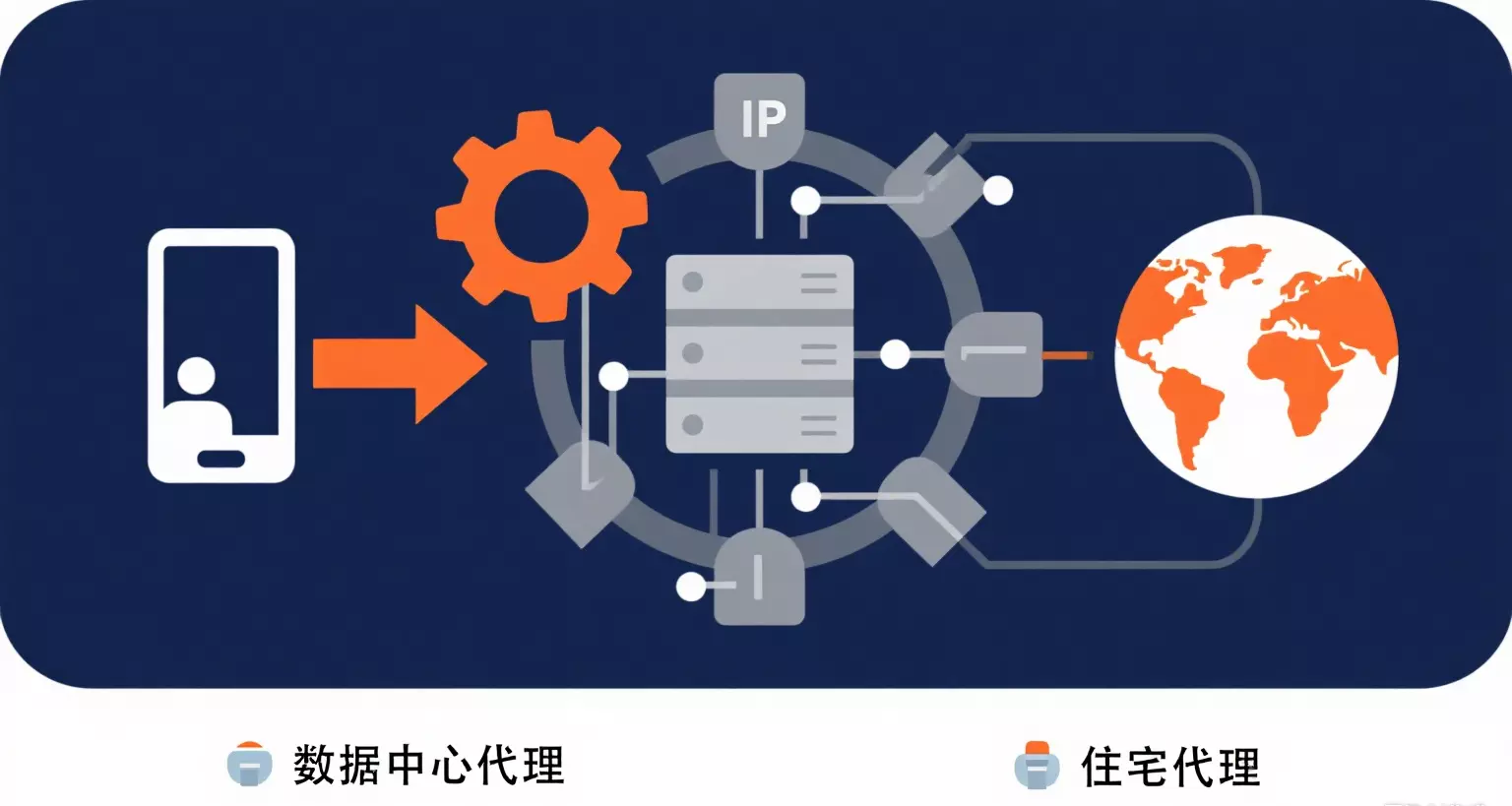
Standard VPNs often use Datacenter IPs, which are easily recognized as “commercial servers.” IPhalo offers Residential IPs—connections that physically originate from real households and ISPs.
Why does this matter for you?
- True Local Presence: By routing your traffic through an IPHALO node in Germany, Brazil, or the US, your web telegram session behaves exactly as if you were sitting in a living room in that country. This is essential for verifying localized content accurately.
- Network Reputation: Using a high-quality residential IP means your traffic looks like standard user behavior, not server traffic. This significantly improves session stability and reduces the likelihood of connection drops.
(Need access to specific regions? Learn more about our infrastructure: Explore Residential Proxies)

Part 3: Technical Setup for Browser Privacy
This section is for users managing professional workflows.
Since web telegram lives in the browser, you don’t need complex software to upgrade your connection. You just need to configure the route.
Setting Up a Clean Session
- Choose Your Location: In the IPHALO dashboard, select the country you need to “be” in (e.g., Country: SG for Singapore).
- Get Credentials: Copy the Host, Port, Username, and Password.
- Configure Browser: Enter these details into your browser’s proxy settings or use a helper extension (like SwitchyOmega).
Once configured, your browser—and your Telegram session inside it—will communicate through the clean, private IPHALO network tunnel.
FAQ: Connectivity & Specs
Q: Does using a proxy slow down my messages? A: All proxies introduce a slight physical distance. However, IPHALO mitigates this by offering a massive network of nodes. By choosing a proxy location close to your actual location (or the target server), you can maintain near-native speeds.
Q: Can I use IPHALO with anti-detect browsers? A: Yes. IPHALO supports standard HTTP and SOCKS5 protocols, making it fully compatible with privacy browsers often used to manage multiple accounts securely.
Q: What is the difference between Residential and Datacenter IPs? A: Residential IPs (provided by IPHALO) come from real Internet Service Providers (ISPs), offering the highest level of authenticity. Datacenter IPs come from cloud servers and are cheaper but less effective for tasks requiring a “human-like” network footprint.
(Ready to improve your connection? Start here: Start Trial)