In the era of mobile-first internet, securing your Android device’s connection is just as important as securing your desktop. While VPNs are the common go-to, they can be battery-draining and slow. Enter SocksDroid, a lightweight and powerful alternative that allows advanced users to route their mobile traffic through SOCKS5 proxies.
Whether you are a digital marketer verifying ads, a developer testing geo-specific apps, or simply a privacy-conscious user on public Wi-Fi, this guide will walk you through exactly how to set up SocksDroid and why pairing it with a high-quality proxy is essential.
What Is SocksDroid?
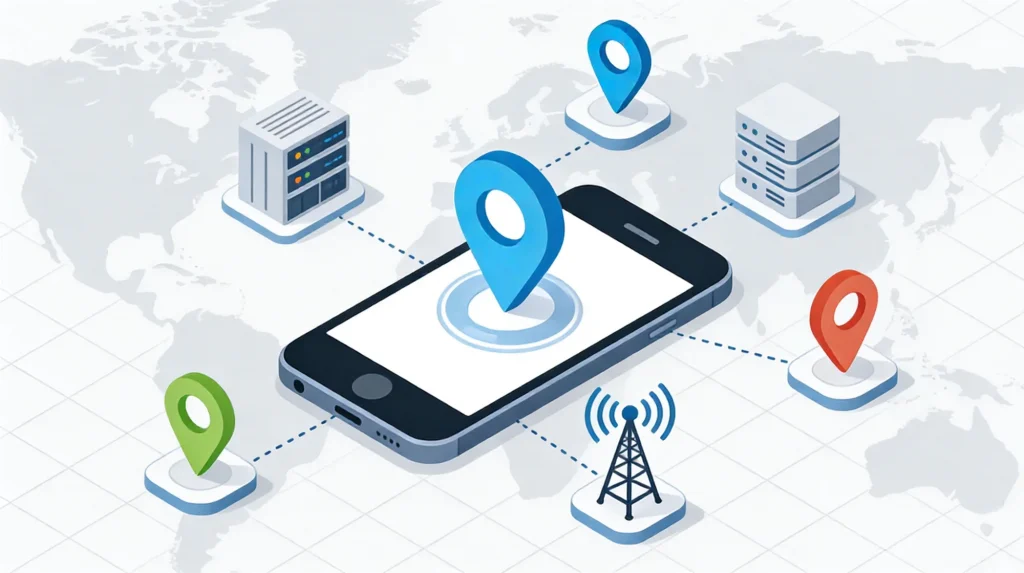
SocksDroid is an open-source Android client that enables your device to connect to the internet via a SOCKS5 proxy server.
Why choose it over a VPN app?
- No Root Required: Unlike older proxy tools, SocksDroid works on non-rooted devices, preserving your warranty and security.
- Lightweight: It runs efficiently in the background without hogging system resources or battery.
- Granular Control: It allows you to bypass the default ISP restrictions for specific network requests, making it ideal for targeted tasks like web scraping or accessing region-locked data.
SOCKS5 Proxy vs. VPN: Which Do You Need?
Before configuring the app, it is crucial to understand the difference.
- VPN (Virtual Private Network): Encrypts all traffic on your device and tunnels it through a server. It is secure but often slower due to encryption overhead.
- SOCKS5 Proxy: Acts as an intermediary that masks your IP address but does not necessarily encrypt data packets. It is faster and perfect for tasks requiring high speed, such as streaming or real-time data fetching.
Verdict: If you need speed and IP masking without the bulk of encryption, SOCKS5 via SocksDroid is the superior choice.
Step-by-Step: How to Configure SocksDroid
Follow this simple tutorial to get your proxy running in minutes.
Step 1: Install SocksDroid
Since SocksDroid is an open-source tool, you can find it on GitHub or F-Droid. Ensure you download the latest version to avoid compatibility issues with newer Android updates.
Step 2: Get a Professional SOCKS5 Proxy
This is the most critical step. Free proxies found online are unstable, slow, and often dangerous (logging your data). For a stable connection, you need a premium ISP Static Residential Proxy.
Recommendation: Use IPHalo. IPHalo provides legitimate SOCKS5 proxies sourced from real internet service providers (like AT&T or Verizon). These IPs are clean, high-speed, and indistinguishable from real mobile users, ensuring your connection isn’t blocked by target apps.
Step 3: Input Proxy Credentials
Open SocksDroid and enter the details provided by your IPHalo dashboard:
- Server IP: The IP address of the proxy.
- Server Port: Usually
1080or a custom port assigned to you. - Username & Password: Enable “Username & Password Authentication” and fill in your credentials to prevent unauthorized use.
Step 4: Activate and Test
Toggle the switch to “ON”. You should see a key icon or a notification in your status bar indicating the service is running. Open a browser and visit whoer.net to verify that your IP address has changed to the proxy location.
Best Use Cases for SocksDroid & Residential Proxies
Why are professionals turning to this setup in 2026?
- Digital Marketing & Ad Verification Marketers need to see how their ads appear to users in London, Tokyo, or New York. By configuring a local SOCKS5 proxy in SocksDroid, you can verify ad placement and localized content accuracy directly from your mobile device.
- Privacy on Public Networks Using airport or coffee shop Wi-Fi? A SOCKS5 proxy adds a layer of anonymity, hiding your real IP address from the local network administrator and potential snoopers.
- App Development & Testing Developers can use SocksDroid to route traffic through specific regions to test how their app handles latency, localization, and regional blocking protocols.
- Social Media Management Managing multiple TikTok or Instagram accounts? Using a dedicated Static Residential IP for each account prevents “shadowbans” caused by logging into multiple accounts from a single IP address.
Troubleshooting Common Connection Issues
- “Connection Refused”: Check if your proxy credentials (User/Pass) are correct. Also, ensure your proxy provider (like IPHalo) has whitelisted your current IP if required.
- Slow Internet: You might be using a Data Center proxy. Switch to a Residential Proxy, which offers better peering and stability.
- No Internet: Ensure “Bypass Mode” isn’t conflicting with other VPN apps. Android only allows one active VPN-slot service at a time.
Legal Disclaimer
Please note that this guide is intended for legitimate use cases such as network testing, privacy protection, and data research. We do not endorse the use of proxies for illegal activities, including copyright infringement or hacking. Always adhere to the terms of service of the apps and websites you access.
Final Thoughts
SocksDroid is a must-have tool in the arsenal of any Android power user. However, the app is only as good as the proxy server behind it.
Don’t let slow, blacklisted IPs ruin your experience. Upgrade your infrastructure with IPHalo’s ISP Static Residential Proxies. With global coverage and enterprise-grade stability, IPHalo ensures your mobile traffic remains private, fast, and uninterrupted.