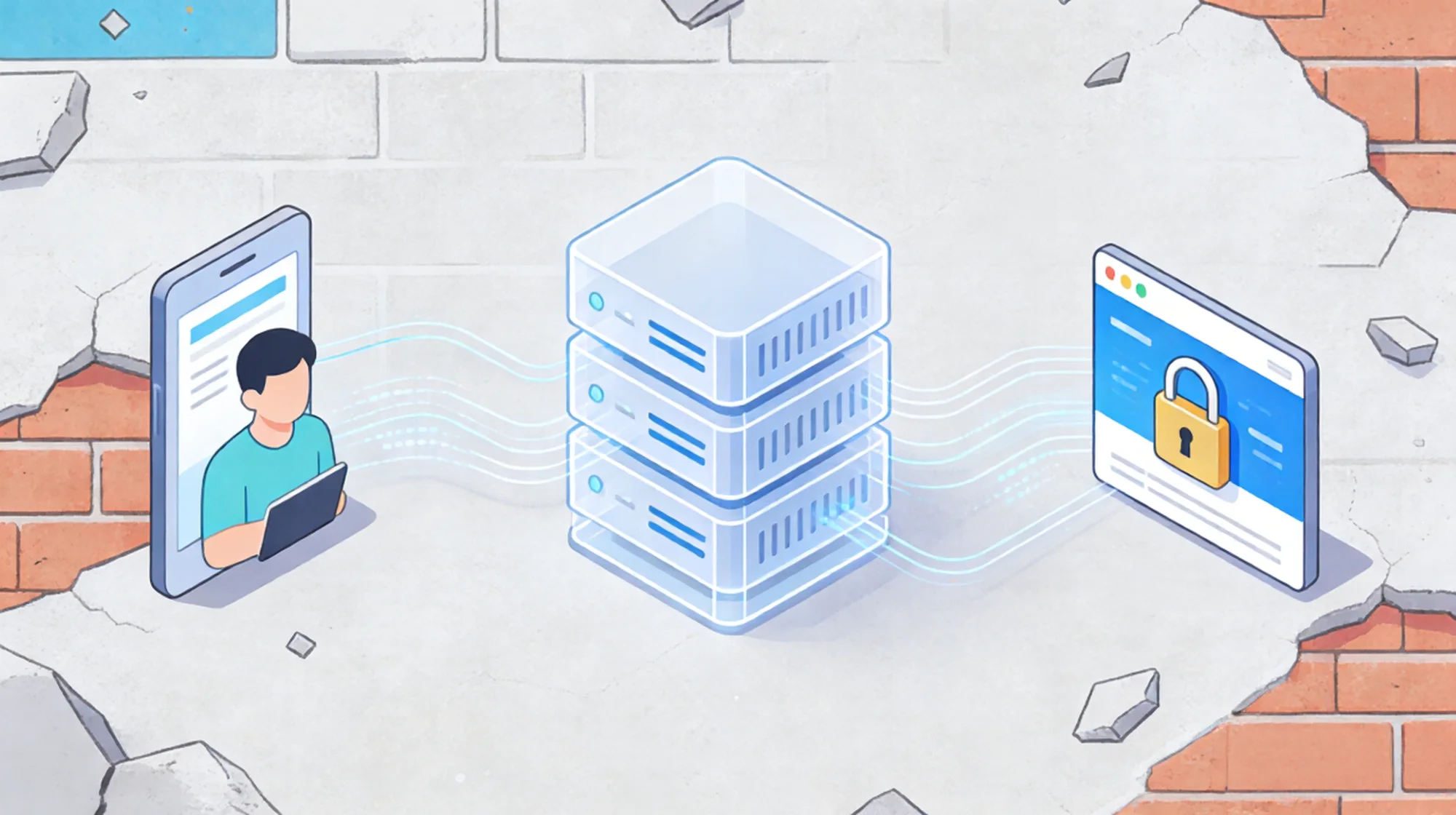
For digital privacy professionals, pixelscan represents a sophisticated benchmark. Unlike simple IP lookups that check a database, Pixelscan evaluates the harmony of your digital profile. It looks for logical contradictions between your browser’s claimed identity and your network’s actual behavior.
Many users invest heavily in anti-detect browsers but neglect the underlying connectivity. If your network layer leaks metadata that contradicts your browser profile, the result is a compromised identity. This guide analyzes the advanced metrics used by detection systems and how to architect a network solution that withstands deep scrutiny.

Part 1: The Hidden Metrics of Detection
Pixelscan goes beyond basic User-Agent checks. It analyzes the fundamental way your device communicates with the server.
TCP/IP Stack Fingerprinting
Every operating system (Windows, macOS, Linux, Android) constructs network packets differently. This is known as the TCP/IP stack fingerprint.
- The Mismatch: If your browser profile claims to be an iPhone (iOS), but your network packets show a Time-to-Live (TTL) and Window Size characteristic of a Linux server (typical of cheap VPNs), pixelscan flags this anomaly immediately.
- The Implication: Your network pipe must be transparent. It should not inject or modify packet headers in a way that overrides the characteristics simulated by your browser software.
TLS Handshake Analysis (JA3)
When your browser establishes a secure HTTPS connection, it performs a TLS handshake.
- The Signature: The specific order of cipher suites and extensions offered during this handshake creates a unique fingerprint (JA3).
- The Risk: Sophisticated detection systems compare your TLS fingerprint against your User-Agent. If they do not match, it indicates that a “Man-in-the-Middle” proxy or a poorly configured bot is intercepting the traffic.
Part 2: Synchronizing Network and Software
To achieve a consistent pixelscan score, the network infrastructure must act as a seamless extension of the software layer.
The Necessity of Residential ASN
The most obvious contradiction is a “Residential” browser profile originating from a “Commercial” network.
- ASN Logic: Autonomous System Numbers (ASNs) are public records. Pixelscan queries these to determine if an IP belongs to an ISP (like Comcast) or a hosting provider (like AWS).
- Infrastructure Alignment: Using high-fidelity residential network infrastructure is the only way to satisfy this check. By routing traffic through IPs assigned to real physical devices, the network signature aligns with the expected behavior of a standard user, validating the browser’s claim of being a “home computer.”
Latency and Geo-Precision
Pixelscan measures the time it takes for data packets to travel (Ping).
- Distance Checks: If your IP is in London, but the latency suggests the packets are traveling from Singapore, the discrepancy is suspicious.
- Routing Strategy: To minimize this “Latency Betrayal,” professionals must select proxy nodes that are physically close to the target server or the declared location of the browser profile.
Part 3: Architecture for Consistency
Building a 100% consistent profile requires a specific technical stack.
SOCKS5 for UDP Support
Modern web technologies like WebRTC use the UDP protocol for real-time communication.
- HTTP Limitations: Standard HTTP proxies only handle TCP. If you use them, WebRTC traffic might bypass the proxy entirely, leaking your true IP to pixelscan.
- The SOCKS5 Advantage: Leveraging SOCKS5 enabled residential nodes allows you to tunnel both TCP and UDP traffic. This ensures that WebRTC connects through the same IP as your web traffic, maintaining a unified identity.
Passive Fingerprint Management
Unlike active fingerprinting (which uses JavaScript), passive fingerprinting analyzes the raw traffic.
- Solution: Ensure your proxy provider supports “Passive OS Fingerprint” preservation. High-quality residential proxies typically pass packets through without altering the TCP parameters that define your OS identity.
(For a technical deep dive into handshake analysis, refer to the engineering guide on JA3 Fingerprinting.)
FAQ: Advanced Troubleshooting
Q: Can a bad IP ruin a perfect browser profile?
A: Yes. In the hierarchy of detection, the IP address is checked first. If the IP is flagged as a datacenter or spam source, pixelscan may not even bother checking the browser fingerprint before blocking the connection.
Q: Does IP rotation affect Pixelscan results?
A: It depends on the session type. For a single check, a fresh rotating IP is excellent as it likely has no negative history. However, if the IP rotates during a session (e.g., changing from a US IP to a German IP while browsing), the sudden location shift will trigger a security alert.
Q: Why do I get “Inconsistent” on mobile profiles?
A: Mobile networks use Carrier-Grade NAT (CGNAT) and have specific TCP signatures. If you are simulating a mobile device on a desktop connection, the network signature might not match. Using mobile residential proxies can help align these parameters.
Ready to validate your digital footprint? Ensure your network layer is as robust as your browser profile. You can get your access credentials today to integrate clean, consistent residential IPs into your workflow.