Accessing exclusive communities like iptorrents is valuable for many P2P enthusiasts, but maintaining that access requires adherence to strict rules. Beyond the basic requirements of maintaining a good upload/download ratio, users must also consider their “Network Profile.”
Private trackers employ sophisticated automated systems to detect suspicious activity. Often, users are banned not because of what they downloaded, but because of how they connected. This guide focuses on the critical role of network reputation in ensuring the longevity of your account.
Part 1: The Hidden Risks of Commercial VPNs
Many users instinctively use standard VPNs to protect their privacy. While this hides traffic from an ISP, it often raises a red flag with the tracker itself.
The ASN Problem: Tracker security systems analyze the Autonomous System Number (ASN) of every connecting IP.
- Datacenter Detection: Most VPNs route traffic through server farms. These IP ranges are publicly known and often associated with botnets or scrapers.
- The Consequence: If iptorrents detects a login or announcement from a known datacenter ASN, it may flag the account for “Account Selling” or “Scripting,” leading to an automated suspension.
The “Noisy Neighbor” Effect: On a shared VPN IP, you are sharing a digital identity with thousands of strangers. If one user on that IP violates the rules (e.g., ratio cheating), the entire IP address may be blacklisted. Innocent users on the same node often become collateral damage.
Part 2: Establishing a Clean Network Identity
To protect an account on a private tracker, the goal is to blend in, not just to hide. This is where professional infrastructure becomes essential.
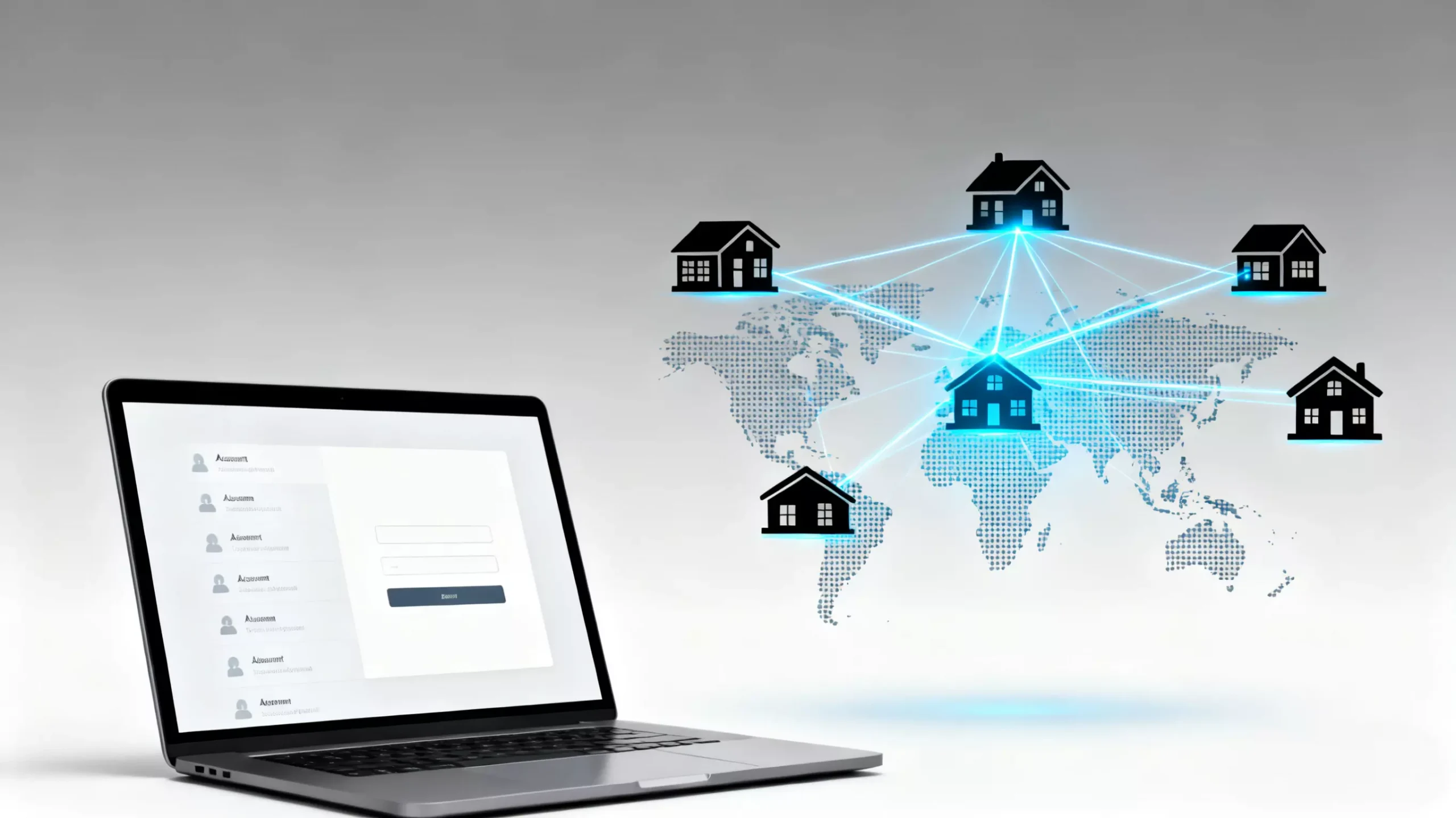
Leveraging Residential ISPs: IPHALO distinguishes itself by providing IPs that originate from legitimate Internet Service Providers. When you connect via our residential network architecture, your connection appears to come from a standard household (e.g., a Comcast or Vodafone line). This alignment with standard user behaviors significantly lowers the risk of triggering anti-fraud scripts on the tracker, ensuring your session looks authentic.
Part 3: Connectivity and Peering Performance
Beyond safety, the type of IP you use affects your connectivity performance in the swarm.
The Peering Advantage: In P2P networks, residential IPs often have better “peering” priority with other residential peers compared to isolated datacenter IPs.
- Connectivity: A residential SOCKS5 proxy can help establish connections with peers who might otherwise filter out datacenter traffic.
- Ratio Maintenance: Better connectivity means faster upload speeds to other peers, making it easier to maintain the required share ratio on iptorrents.
Static vs. Rotating for Trackers: Different activities require different IP types. For logging into the website, a stable identity is preferred to prevent session timeouts. We recommend reviewing our flexible pricing plans to find a Static Residential Proxy package that suits your long-term usage needs, as this ensures your login IP remains consistent over weeks or months.
Part 4: Technical Best Practices
To ensure your setup is secure and effective, follow these configuration standards.
Separate Traffic Streams: It is often recommended to separate your web browsing traffic from your P2P traffic.
- Use a specific browser profile routed through a Residential IP for accessing the tracker website.
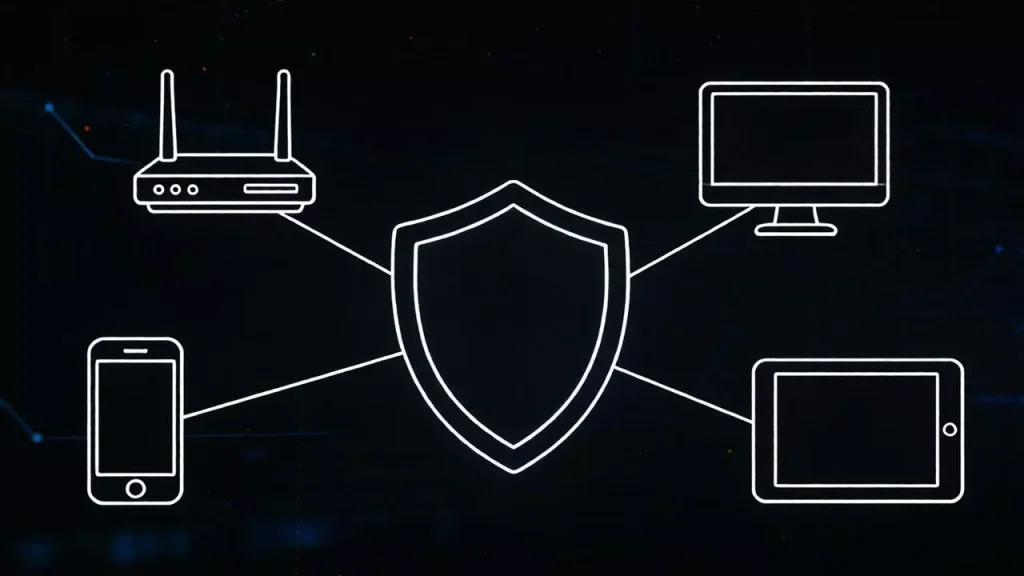
- Configure your torrent client specifically to use a SOCKS5 proxy. This ensures that even if your browser VPN disconnects, your P2P client remains secure behind the proxy.
Kill Switch Configuration: Always ensure your client is set to block connections if the proxy fails. This prevents your real home IP from leaking to the swarm in the event of a momentary network interruption.
Ready to Secure Your Account? Don’t let a flagged IP erase your progress. You can register for an IPHALO account today to instantly access clean, ISP-verified nodes and protect your private tracker standing.