You are ready to upgrade to Google’s most capable AI model, Ultra 1.0. You navigate to the subscription page, credit card in hand, only to be blocked by a hard-stop error message: “Gemini Advanced is not available in your country.”
This block persists even if your Google Account region is set to the US or UK. It is frustrating, but the cause is purely technical. Google’s geo-fencing systems have detected a mismatch between your account settings and your actual network footprint.
Here is the technical explanation of why your connection is being rejected and the specific network configuration required to unlock the subscription page immediately.
The “Location Mismatch” Trigger
Google does not trust your browser settings; it trusts your IP Address.
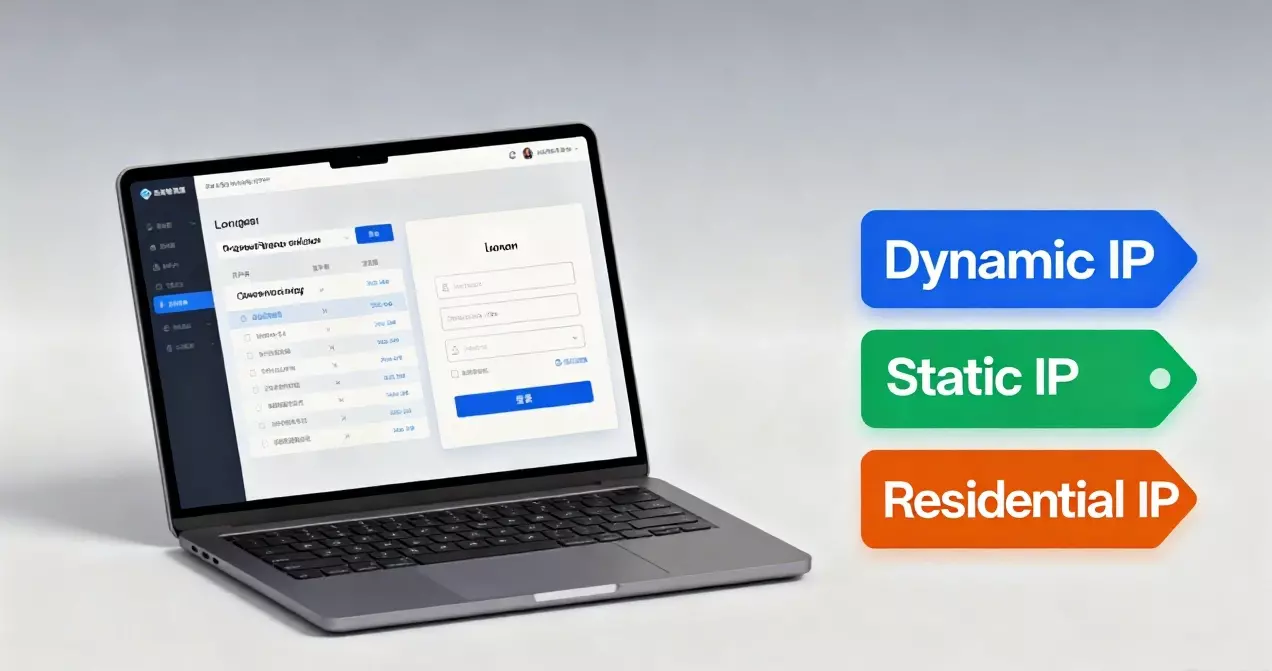
When you attempt to access Gemini Advanced, Google performs a real-time lookup of your IP’s geolocation and ASN (Autonomous System Number). If you are connecting from a region where Advanced is not yet launched, or—more commonly—if you are using a standard VPN that routes through a flaggable Data Center, Google defaults to blocking access.
Crucially, for subscription services like Gemini Advanced, Google requires Payment Consistency. If your IP address fluctuates (Dynamic IP) or looks like a server farm (Data Center IP), their fraud detection system blocks the upgrade to prevent payment disputes.
The Solution: Align Your Network Identity
To subscribe to Gemini Advanced, your network connection must pass Google’s “Local User” verification. Standard proxies fail this test. You need a connection that mimics a permanent resident in a supported region.
Upgrade to a Static Residential IP
This is the only reliable fix for subscription-based geo-blocks. Unlike shared VPNs, a Static Residential IP is registered to a physical Internet Service Provider (ISP) in a specific country (e.g., a Comcast IP in the USA).
- Geo-Compliance: Google sees a standard home internet connection, matching your intended billing region.
- Subscription Stability: Because the IP is Static, it remains constant every month when your subscription renews. This prevents your account from being flagged for “suspicious travel” or “account sharing” down the line.
Action Plan: Unlock Gemini Advanced Now
Stop refreshing the page hoping for a glitch. Execute these steps to correct your network environment:
- Secure the Right IP: Go to a premium provider dashboard and provision a Static Residential IP located in the United States (or your target supported country).
- Bind the Connection: Configure this IP in your browser using a proxy management extension like SwitchyOmega. Ensure only Google traffic is routed through this clean tunnel.
- Verify Location: Check
whoer.netto confirm your DNS and IP are 100% aligned with the US region. - Subscribe: Return to the Gemini page. The “Not Available” banner will be gone. You can now proceed to payment and activate Ultra 1.0 instantly.
Final Requirement
Google’s AI capabilities are powerful, but they are gated behind strict regional compliance. Do not let a poor-quality network connection lock you out of the tools you need. Configure a compliant Residential IP today and secure your access to Gemini Advanced permanently.