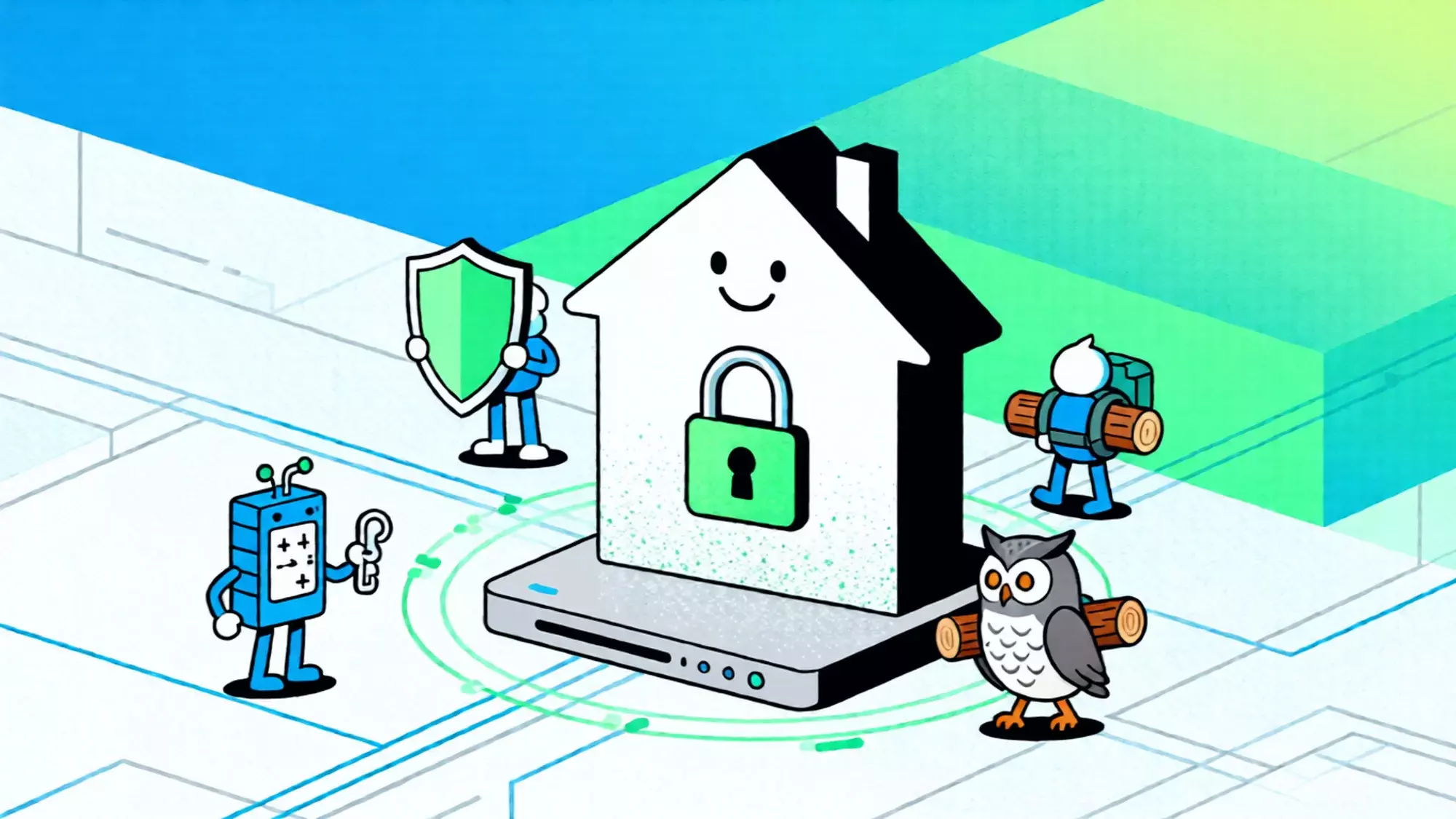
You are ready to leverage the coding capabilities of Claude 3.5 Sonnet, but instead of the chat interface, you are blocked by a blank screen or a raw error message: “Access Denied“ or “403 Forbidden”.
This error is specific. It doesn’t mean the server is down. It means Anthropic’s security edge serves have explicitly rejected your connection request.
For Pro users and developers, this interruption is costly. Here is the technical breakdown of why your access is blocked and the immediate steps to restore your connection to the 3.5 Sonnet model.
Diagnosis: Why You Are Being Blocked
The “Access Denied” error is almost exclusively a Network Reputation issue. Anthropic employs aggressive Web Application Firewalls (WAF) to protect its flagship 3.5 model from scraping and abuse.
Your connection is likely flagged for one of two reasons:
- The “Dirty” IP Flag: You are connecting via a VPN, Proxy, or Hosting Provider (like AWS/DigitalOcean). These IPs are categorized as Data Center traffic. Since 3.5 Sonnet is designed for human interaction, non-ISP traffic is often blocked preemptively to save compute resources.
- Geo-Fencing Mismatch: Even if you are in a supported region (like the UK or US), using an IP address that routes poorly or appears “anonymous” will trigger a location mismatch, resulting in an immediate 403 error.
The Fix: Upgrade Your Connection Identity
Clearing cookies or using Incognito mode rarely fixes a 403 error because the block happens at the IP level, not the browser level. To get back in, you must change how you appear to Anthropic’s servers.
Stop Using Shared VPNs
Free or cheap VPNs rotate thousands of users on the same IP address. Once one user abuses the system, the entire IP is blacklisted. If you keep hitting “Retry” on a blacklisted IP, you risk a permanent account ban.
Deploy a Static Residential IP
The only reliable way to bypass the WAF blockade is to route your traffic through a Residential IP. Resources from specialized providers like IPHalo are registered under genuine Internet Service Providers (ISPs such as AT&T, Comcast, or Vodafone).
- Why it works: When you connect via a Residential IP, the WAF sees a standard home user connection rather than a server farm request. This grants you the “trust” needed to access sensitive models like 3.5 Sonnet without restrictions.
Implementation: Get Back Online in 2 Minutes
Don’t let network filters bottleneck your productivity. Follow this rapid setup to restore access:
- Acquire a Resource: Obtain a dedicated Static Residential IP that matches your target region.
- Configure Proxy: Use a browser extension (like SwitchyOmega) to tunnel only your Claude.ai traffic through this new residential IP.
- Verify: Visit
ipinfo.ioto confirm your connection type shows as “ISP” or “Business” rather than “Hosting”. - Refresh: Reload the Claude 3.5 Sonnet page. The “Access Denied” error should vanish immediately.
Take Action
Waiting for the ban to lift is not a strategy. The “Access Denied” screen is a clear signal that your current network environment is compromised. Swap your connection to a clean, ISP-grade Static IP right now and resume your work on Claude 3.5 instantly.