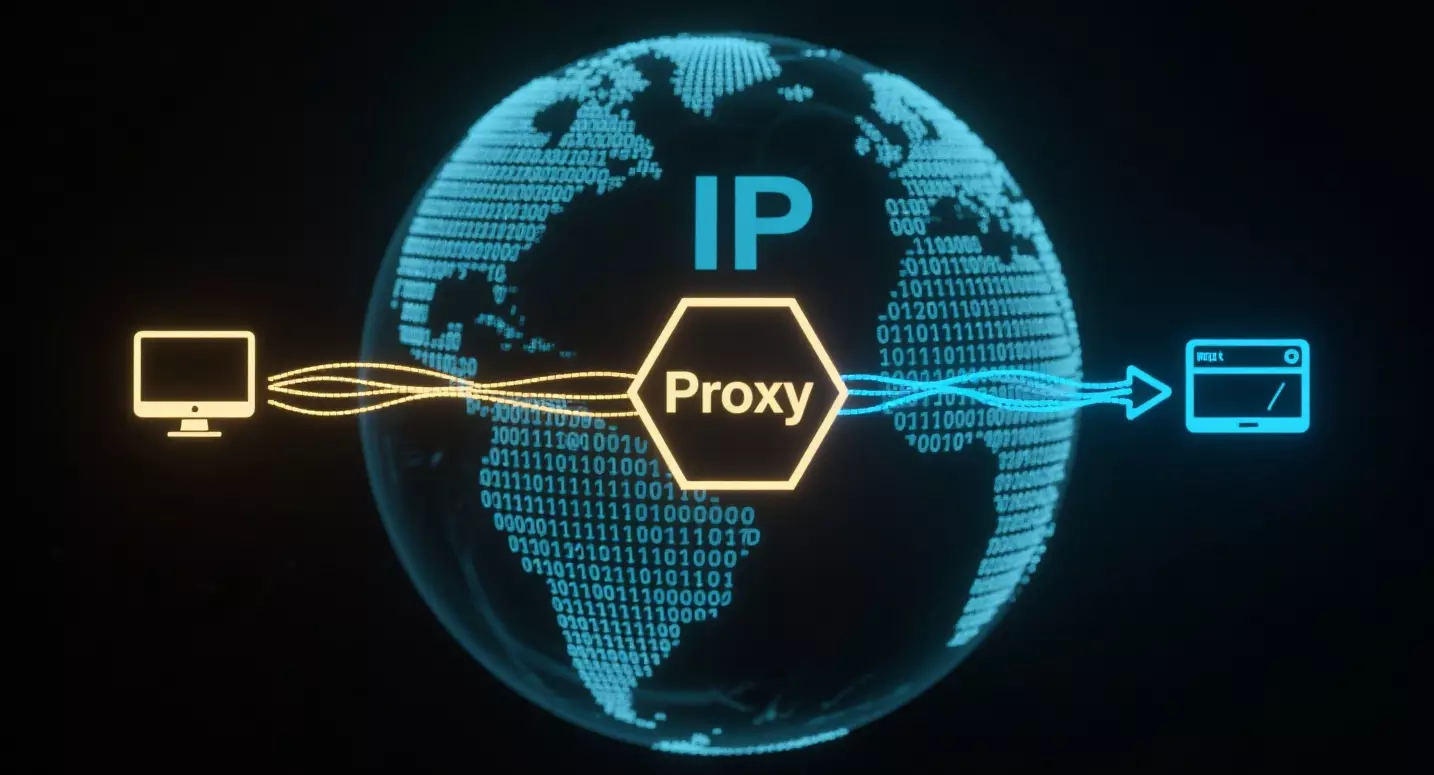
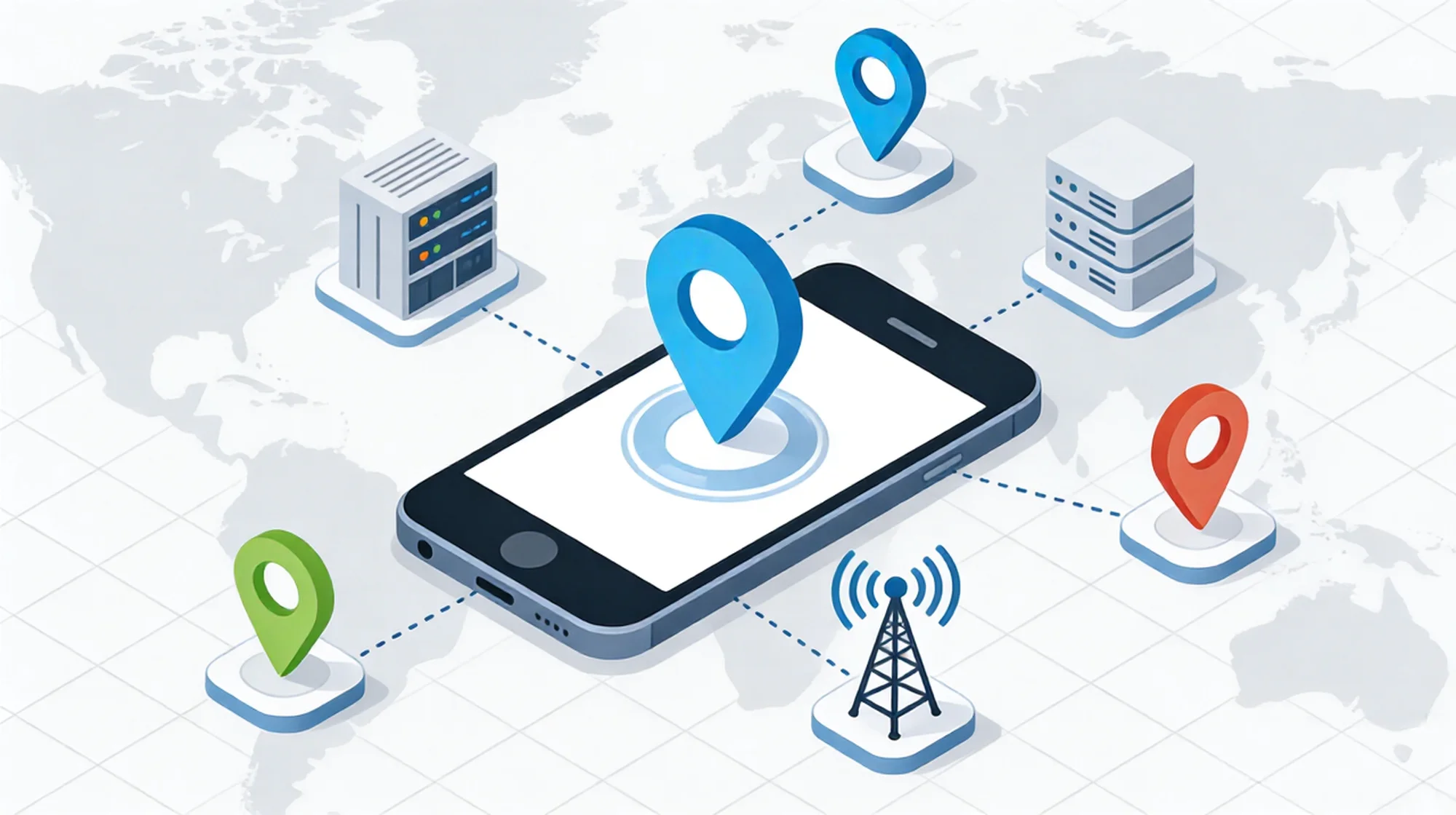
In the world of digital privacy and data analysis, verifying the integrity of your connection is the first step. Many professionals rely on tools like whoer ip checks to assess the visibility of their digital fingerprint.
Whether you are a market analyst ensuring your location settings are correct, or a privacy advocate checking for leaks, understanding how these detection mechanisms work is crucial. This guide breaks down the metrics behind IP scoring and explores the infrastructure required to maintain a consistent digital profile.

Part 1: Decoding the “Whoer IP” Analysis
When you visit a detection site, it runs a series of scripts to query your browser and network connection. A whoer ip check typically analyzes three core layers of your digital identity.
- The IP Address and ASN
The most basic check identifies your Public IP and its Autonomous System Number (ASN).
- The Check: Does the IP belong to a residential Internet Service Provider (ISP) like Comcast or Verizon, or does it belong to a hosting company (Datacenter)?
- The Implication: Hosting IPs are often flagged by websites because they are associated with servers, not human users.
- DNS Leakage
Your IP address might say “United States,” but who is resolving your web requests?
- The Check: If your IP is in New York but your DNS server is located in Germany, this mismatch creates a “DNS Leak.”
- The Implication: Inconsistencies between your IP and DNS server suggest the use of a proxy or VPN configuration that is not fully optimized.
- System Consistency
The tool compares your IP location with your system time zone and browser headers.
- The Check: If your IP is in Tokyo but your system clock is set to London time (GMT), this discrepancy lowers your anonymity score.
💡 Insight: A low score doesn’t always mean your security is compromised, but it often indicates a mismatch between your network settings and your desired location profile.
Part 2: Why Standard Proxies Often Fail Checks
For businesses managing multiple accounts or scraping data, seeing a “Proxy Detected” warning or a low whoer ip score is a common frustration. This usually stems from the type of infrastructure being used.
The Problem with Datacenter IPs
Standard proxies often use Datacenter IPs. While they are fast and cheap, they lack “ISP lineage.”
- Identifiability: detection databases maintain lists of IP ranges owned by cloud providers.
- Blocklists: Because these IPs are shared by many users, they frequently appear on spam blocklists (RBLs), which negatively impacts the trust score of the connection.
The Solution: Residential Infrastructure
To achieve a high level of privacy and consistency, the network connection needs to align with standard user behavior. This is where IPhalo provides a distinct advantage.
IPhalo offers access to a network of Residential IPs.
- ISP Alignment: These IPs are assigned by real internet service providers to households. When a whoer ip check is performed on an IPHALO node, the ASN reflects a legitimate ISP, not a server farm.
- Clean History: Because the pool is vast and sourced from end-users, these IPs are less likely to carry the negative reputation often associated with overused datacenter subnets.
(Learn more about our network specifications:Residential IP details)

Part 3: Technical Configuration for Consistency
This section is intended for developers and network administrators.
Simply buying a high-quality IP is step one. Step two is configuring your environment to match that IP. To ensure your whoerip analysis reflects a consistent profile, follow these integration principles.
- Protocol Selection
When configuring your scraper or browser, the protocol matters.
- HTTP/HTTPS: Standard for web requests.
- SOCKS5: Supported by IPhalo, SOCKS5 is often preferred for more comprehensive traffic routing as it handles UDP/TCP packets, potentially reducing DNS leak risks depending on the client configuration.
- Time Zone & Language Matching
If you use IPHALO to route through a German IP (Country: DE), ensure your client environment matches:
- Time Zone: Set the browser/system time to Central European Time (CET).
- Headers: Ensure the
Accept-Languageheader includesde-DE.
- WebRTC Management
WebRTC can sometimes bypass proxy settings and reveal your local IP.
- Mitigation: Professional users often disable WebRTC or strictly route it through the proxy interface to prevent “Local IP” leaks during inspection.
(For technical details on WebRTC behavior, refer to: WebRTC technology overview)
Part 4: Getting Started with IPHALO
Integrating a residential proxy to improve your whoer ip consistency is straightforward.
Basic Workflow:
- Dashboard: Log in to IPHALO and create a sub-user.
- Targeting: Select your desired country (e.g., US, UK, JP).
- Authentication: Copy the Host, Port, and Credentials.
- Verification: Input these details into your browser or script, then run a detection check to confirm the ISP information is displayed correctly.
By utilizing infrastructure that mirrors real-world connectivity, professionals can maintain stable and private access to global data.
FAQ: Network Privacy & Configuration
Q: Why does Whoer still show a DNS leak when I use a proxy?
A: A proxy routes your traffic, but your computer might still use your local ISP’s DNS server to resolve domain names. To fix this, you often need to configure your browser or system to use a remote DNS that matches the proxy’s location.
Q: What is the difference between Anonymity and Privacy?
A: Anonymity (often checked by whoer ip) refers to how well your identity is hidden from the website you visit. Privacy refers to how your data is handled. IPhalo provides the infrastructure for anonymity by masking your original IP with a residential one.
Q: Does IPHALO guarantee a 100% score?
A: No tool can “guarantee” external third-party scores, as they depend on multiple factors including client-side settings (cookies, browser fingerprint, system time). However, using IPHALO’s Residential IPs significantly improves the network-side credibility compared to standard datacenter proxies.
(Ready to upgrade your network privacy? Start your trial: Get Started)