For students, a quick Roblox session is the perfect way to unwind during lunch breaks or study halls. However, seeing the “Access Denied” screen on the school Chromebook is a universal frustration.
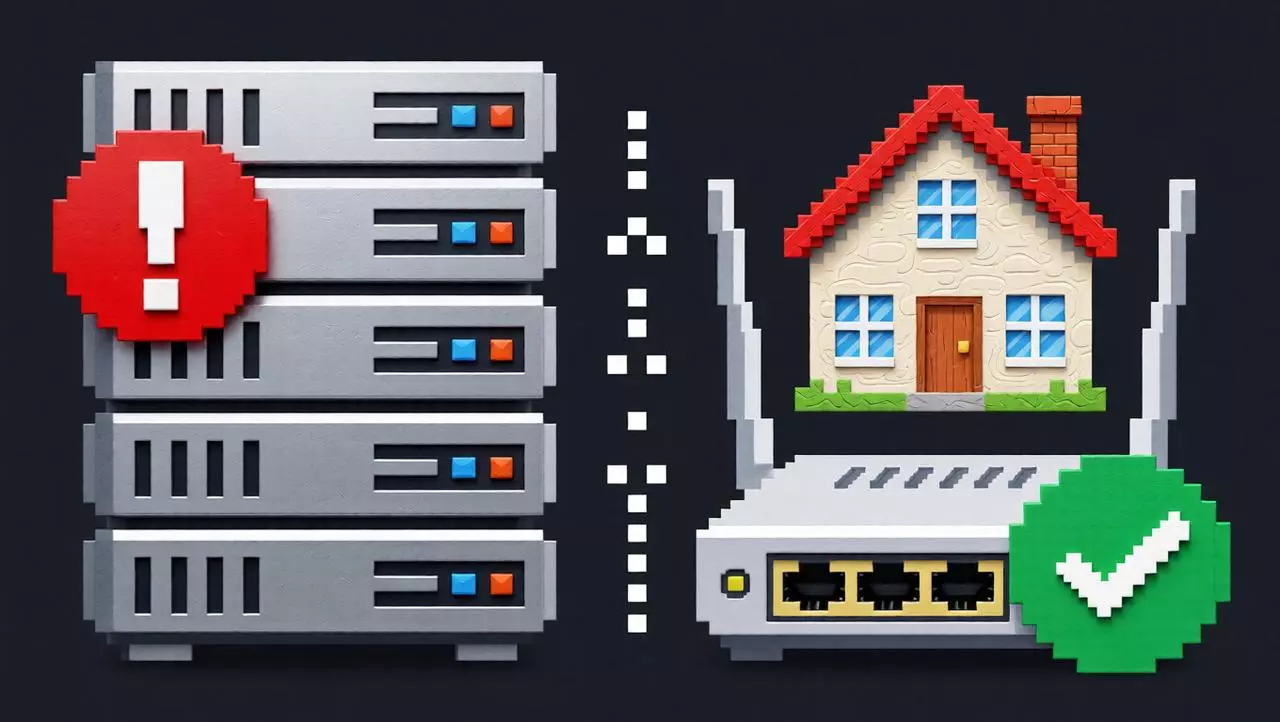
Most schools enforce strict firewalls that block gaming domains and prevent software installations. This creates a double problem: you can’t download the Roblox player, and you can’t even visit the website.
In 2026, the solution isn’t to bypass the admin password (which is risky and illegal). The smart, safe solution lies in combining Cloud Gaming technology with ISP Static Residential Proxies. This guide will show you how to get Roblox unblocked at school legally and securely, without installing a single file.
-1-1024x573.webp)
Why Do Schools Block Roblox?
It is not just about distractions. Schools block Roblox to protect their bandwidth and network security.
- Bandwidth Hogging: Multiplayer games consume a lot of data, slowing down the internet for educational purposes.
- Security Protocols: School IT admins block “High-Risk” ports and domains to prevent malware and unauthorized external connections.
This means even if you bring the game on a USB drive, the network itself will stop you from connecting to the Roblox servers.
The “No Download” Secret: Cloud Gaming
To play without downloading, you need to use a Cloud Gaming Platform (like now.gg). These platforms run Roblox on a remote server and stream the video to your browser. Your school computer acts like a TV, just displaying the game.
- Pros: No installation needed, works on low-end Chromebooks.
- Cons: Schools often block cloud gaming websites too.
This is where the Proxy comes in.
The Solution: Unblocking the Cloud with IPHalo
To access these browser-based gaming sites through the school firewall, you need to change your digital identity. Standard VPNs are easily detected and blocked by school filters (Deep Packet Inspection). The superior alternative is IPHalo’s ISP Static Residential Proxy.
Why IPHalo Works for School Gaming:
- Undetectable Identity: Unlike a VPN, an IPHalo IP belongs to a real residential ISP (like AT&T or Verizon). To the school filter, you look like a normal user browsing an educational site, not a gamer.
- Low Latency: Gaming requires speed. IPHalo provides ISP Static IPs with dedicated bandwidth, ensuring your gameplay is lag-free and responsive.
- Browser-Based: You can configure the proxy directly in your Chrome or Edge browser settings, requiring no software installation on the school PC.
Step-by-Step: How to Play Roblox Safely
Follow this workflow to bypass restrictions responsibly during your break time.
Step 1: Get an ISP Static Proxy
Register with IPHalo and obtain a high-speed ISP Static Residential Proxy. This ensures your connection is stable and fast enough for streaming cloud games.
Step 2: Configure Your Browser
Since you cannot install VPN apps, use the browser’s native settings or a portable extension (like Proxy SwitchyOmega) if allowed.
- Go to Settings > System > Open your computer’s proxy settings.
- Enter the IP Address and Port provided by IPHalo.
- Save the settings.
Step 3: Access the Cloud Platform
Now that your connection is routed through a secure residential home, navigate to a browser-based Roblox host (e.g., now.gg/play/roblox).
- The site should load instantly, bypassing the school filter.
- Log in and play directly in the browser tab.
Safety & Responsibility Checklist
While this method works, it is important to use it ethically.
- Don’t Overdo It: Streaming games uses bandwidth. Use it only during authorized breaks to avoid affecting the school’s internet speed for others.
- Protect Your Privacy: Always log out of your Roblox account and clear your browser cache (Ctrl+Shift+Delete) after playing on a public computer.
- Secure Connection: By using IPHalo, your traffic is encrypted between your device and the proxy server, protecting your login credentials from being snooped on by the public Wi-Fi.
Final Thoughts
Playing Roblox at school doesn’t require hacking the system or breaking rules. It requires smart tools.
By leveraging Cloud Gaming for the “no download” requirement and IPHalo’s ISP Static Residential Proxies for the “unblocked” access, you can enjoy a secure, lag-free gaming experience.
Upgrade your browser’s capabilities with IPHalo and turn your downtime into game time, safely and privately.