For enthusiasts of Peer-to-Peer (P2P) sharing, accessing elite communities like iptorrents is a priority. Unlike public swarms, private trackers maintain strict quality control and user vetting. However, this exclusivity comes with rigid network rules.
Maintaining a healthy account on iptorrents requires more than just a good upload ratio; it requires a pristine network reputation. Many users unknowingly risk account suspension by using low-quality infrastructure. This guide explores the technical requirements for maintaining connectivity and privacy on private trackers.
Part 1: Why Private Trackers Flag Standard Connections
Private communities like iptorrents enforce strict policies regarding IP addresses to prevent cheating, account selling, and bot activity.
The “Datacenter” Risk
Most commercial VPNs route traffic through Data Centers (e.g., M247, DigitalOcean).
- The Detection: Trackers query the Autonomous System Number (ASN) of your IP.
- The Penalty: If the ASN belongs to a hosting provider, the site’s security script often flags the connection. Using a datacenter IP for browsing the site or announcing to the tracker is frequently a violation of Terms of Service (ToS), leading to immediate bans.
The “Shared IP” Risk
Shared proxies mean thousands of users act under one IP.
- The Conflict: If another user on the same shared VPN IP gets banned for ratio cheating, your account—connected via the same IP—may be banned by association. This is a common “false positive” scenario on iptorrents.
Part 2: The Residential Infrastructure Solution
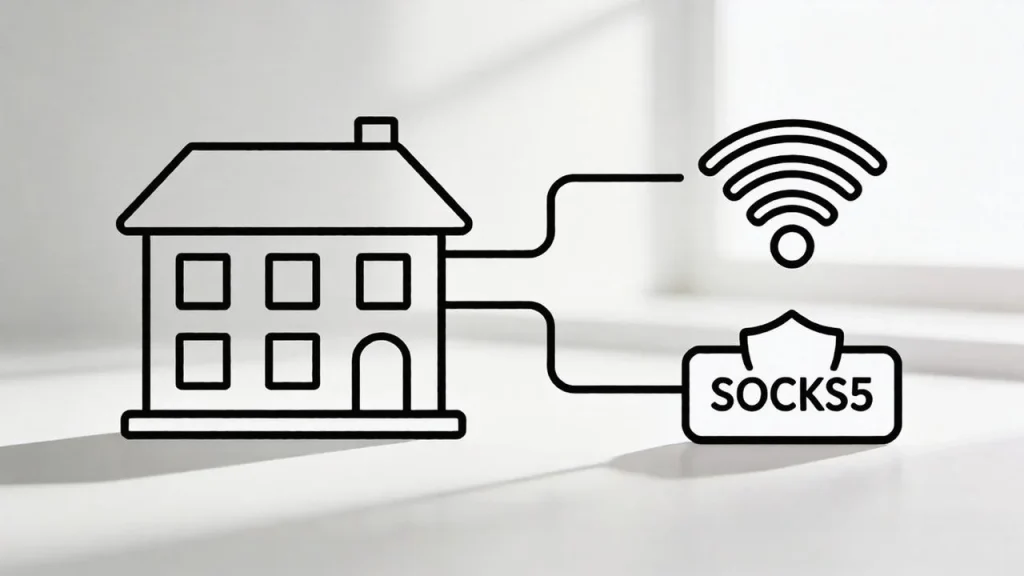
To secure your standing on private trackers, your network footprint must resemble a legitimate home user. This is achieved through Residential SOCKS5 Infrastructure.
Aligning with ISP Standards
IPHALO provides access to IPs assigned by real Internet Service Providers (ISPs).
- ISP Attribution: When you connect via an IPHALO node, the tracker sees an IP from a residential provider (like Comcast or AT&T) rather than a cloud server.
- Trust Score: This alignment signals to the iptorrents system that you are a valid user connecting from a home network, significantly reducing the risk of automated security flags.
The Role of SOCKS5
While HTTP proxies are for web browsing, the SOCKS5 protocol is the industry standard for P2P clients.
- Traffic Handling: SOCKS5 supports both TCP and UDP packets, which is essential for establishing connections with peers in the swarm.
- No Header Rewriting: It transfers data packets without modifying the header, ensuring that your client communicates efficiently with the tracker without leaking your real location.
Part 3: Configuration for Client Privacy
Configuring your client (e.g., qBittorrent, Deluge) with a residential proxy is a standard procedure for privacy-conscious users.
Step 1: Generate Credentials
Log in to the IPHALO dashboard. Create a SOCKS5 endpoint.
- Note: Ensure you copy the specific Host and Port assigned to your target region.
Step 2: Client Setup
Navigate to the “Connection” settings in your software.
- Proxy Type: Select SOCKS5.
- Host/Port: Input the IPHALO gateway details.
- Authentication: Enter your sub-user credentials.
Step 3: Leak Protection
Crucially, enable the setting “Use proxy for peer connections” (or similar). This ensures that your interaction with the iptorrents swarm occurs strictly through the secure residential tunnel, masking your actual ISP address from other peers.
(For technical details on P2P networking protocols, refer to the BitTorrent Protocol Specification.)
Part 4: Managing Connectivity
For private tracker users, stability is key to maintaining seeding stats.
- Connection Stability: If your proxy connection drops, your client should stop traffic (Kill Switch). This prevents “partial” data leaks.
- IP Rotation: IPHALO utilizes Real-time IP Rotation. While beneficial for anonymity, ensure your client is configured to handle IP changes gracefully to maintain continuous communication with the tracker.
FAQ: Private Tracker Networking
Q: Can I browse the IPTorrents website with a proxy?
A: Yes, but only if it is a high-quality Residential IP. Using a datacenter proxy to log in to the website is risky. A residential IP mimics a standard home connection, which is generally accepted by tracker security systems.
Q: Does SOCKS5 hide my IP from the swarm?
A: Yes. When configured correctly in the client, the IP address visible to other peers (and the tracker) is the IP of the proxy node, not your personal home IP.
Q: Why is my speed slower with a proxy?
A: Routing traffic through an intermediary node introduces physical latency. However, using IPHALO’s residential infrastructure ensures you are routing through high-bandwidth nodes, minimizing the speed impact compared to overloaded public proxies.
(Ready to secure your account privacy? Start your IPHALO trial today.)