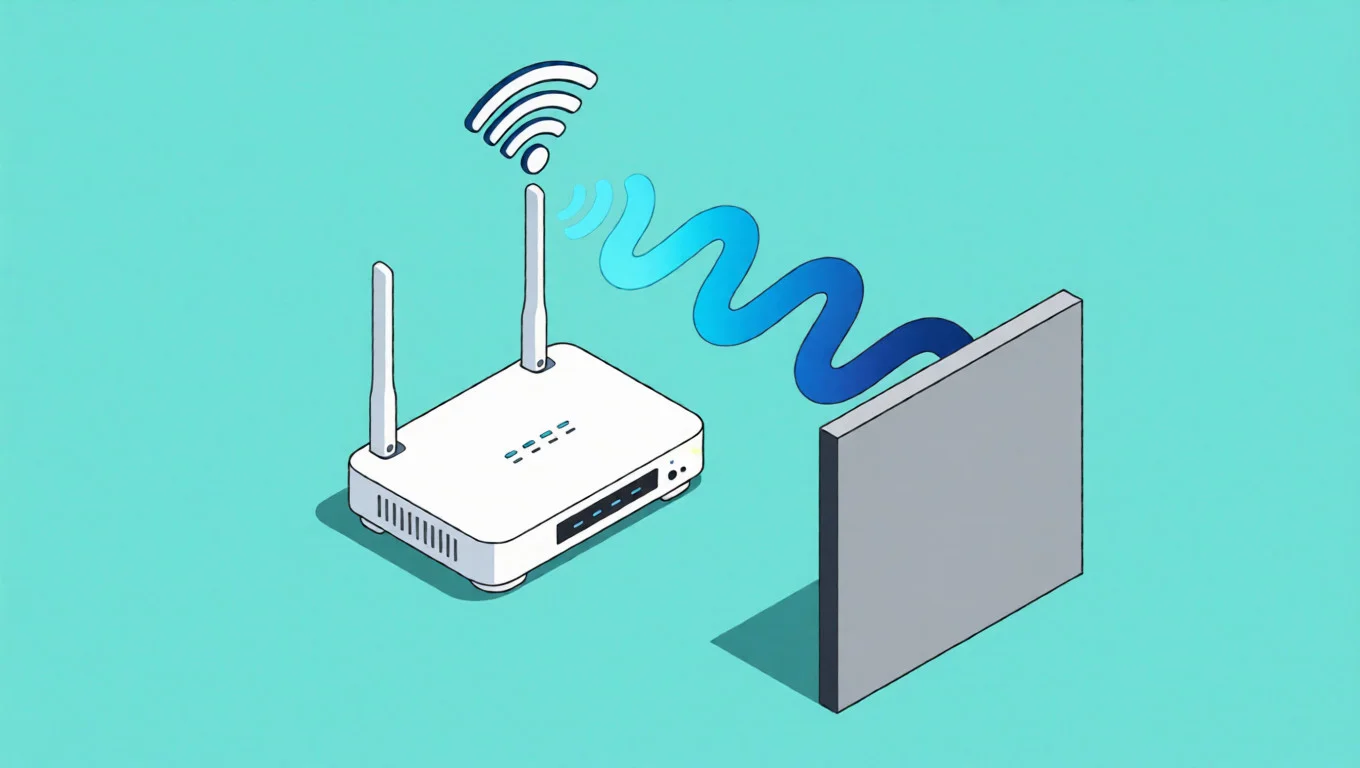
Peer-to-Peer (P2P) file sharing is built on the principle of direct connectivity. Unlike downloading from a central server, you download small pieces of data from thousands of other users. While efficient, this architecture creates a significant privacy paradox: to connect, you must reveal your identity.
When you join a swarm, your ip torrents visibility is absolute. Every peer can see your Public IP. For users seeking P2P anonymity or managing accounts on strict private trackers, this exposure is a primary concern. This guide explores how to audit your visibility and the most effective infrastructure to secure it.

Part 1: The Risks of Unprotected P2P Traffic
Why should you care if your IP is visible? In the context of ip torrents activity, your IP address acts as a digital fingerprint.
- The “Public Ledger” of Swarms
Third-party organizations frequently monitor public swarms. They log every IP address that connects to a specific file.
- The Consequence: This data is used to generate ISP notices or throttle bandwidth. If your Internet Service Provider detects heavy P2P traffic on your personal IP, they may degrade your connection speed.
- The Leak: Even if you think you are secure, a torrent ip leak can occur if your connection drops and your client reconnects using your default gateway.
- Private Tracker Rules
For enthusiasts using private trackers, the risk is different. These communities often ban generic Datacenter IPs (used by cheap VPNs) because they are associated with bot activity.
- The Solution: You need an IP that looks legitimate. This is where learning how to hide ip on torrents using the right infrastructure becomes critical.
Part 2: VPN vs. SOCKS5 Proxy – Which is Better?
A common question is whether to use a system-wide VPN or a specific proxy. Understanding the difference is key to optimizing your setup.
The VPN Approach (Encryption)
A VPN encrypts your entire device’s internet traffic.
- Pros: High security for all apps.
- Cons: Often slows down connection speeds due to heavy encryption overhead. Furthermore, many private trackers block the ASN (Autonomous System Number) of popular VPN providers.
The SOCKS5 Proxy Approach (Speed & Granularity)
A SOCKS5 proxy works at the application level. You configure it directly inside clients like qBittorrent or Deluge.
- Granular Control: It only routes your ip torrents traffic, leaving your browser and gaming connections on your fast local network.
- Performance: SOCKS5 does not double-encrypt data, often resulting in faster transfer speeds compared to VPNs.
- The IPHALO Edge: By using IPHALO’s residential SOCKS5 infrastructure, you gain the speed of a proxy combined with the trust score of a residential IP, making it highly compatible with exclusive private trackers.
Part 3: Step-by-Step Configuration & Kill Switch
Securing your connection requires precise configuration. Here is how to set up a residential proxy to ensure your ip torrents footprint is masked.
- Acquire Residential Credentials
Datacenter proxies are easily flagged. For long-term account safety, generate a SOCKS5 endpoint from the IPHALO dashboard, selecting a country that matches your desired location profile.
- Client Setup (e.g., qBittorrent)
Navigate to Tools > Options > Connection.
- Type: SOCKS5
- Host/Port: Enter the IPHALO gateway.
- Authentication: Input your sub-user credentials.
- Enabling the Kill Switch
This is the most critical step to prevent ip leak incidents.
- Action: Check the box labeled “Use proxy for peer connections” and “Disable connections not supported by proxies”.
- Result: If the proxy connection drops for any reason, the client will immediately stop all traffic rather than falling back to your real ISP address.
Part 4: Verifying Your Anonymity
Never assume your setup works—verify it. Use a “Check My Torrent IP” magnet link (available on various detection sites). Add this magnet link to your client. It will not download a file but will report the IP address it sees to the tracker.
- Success: The tracker reports your IPHALO Residential IP.
- Fail: The tracker reports your home ISP address.
For a deeper understanding of the networking protocols involved in this masking process, you can refer to the RFC 1928 SOCKS Protocol specification, which details how SOCKS5 handles UDP packets essential for Distributed Hash Tables (DHT).
FAQ: Common P2P Privacy Questions
Q: Can I use a free proxy for torrenting? A: It is highly discouraged. Free proxies are unstable, slow, and often transparent (meaning they forward your real IP in the headers), which completely defeats the purpose of hiding your ip torrents visibility.
Q: Why do I need a Residential IP for private trackers? A: Private trackers have strict anti-fraud systems. They often block IPs from data centers (AWS, DigitalOcean). A Residential IP originates from a real ISP connection, ensuring your account activity looks like valid, human behavior.
Q: Does SOCKS5 affect my download speed? A: SOCKS5 is generally faster than a VPN because it lacks encryption overhead. However, using a high-quality provider like IPHALO is essential to ensure the proxy node has sufficient bandwidth to handle P2P traffic.
(Ready to secure your P2P traffic with high-speed residential nodes? Start your IPHALO trial today.)