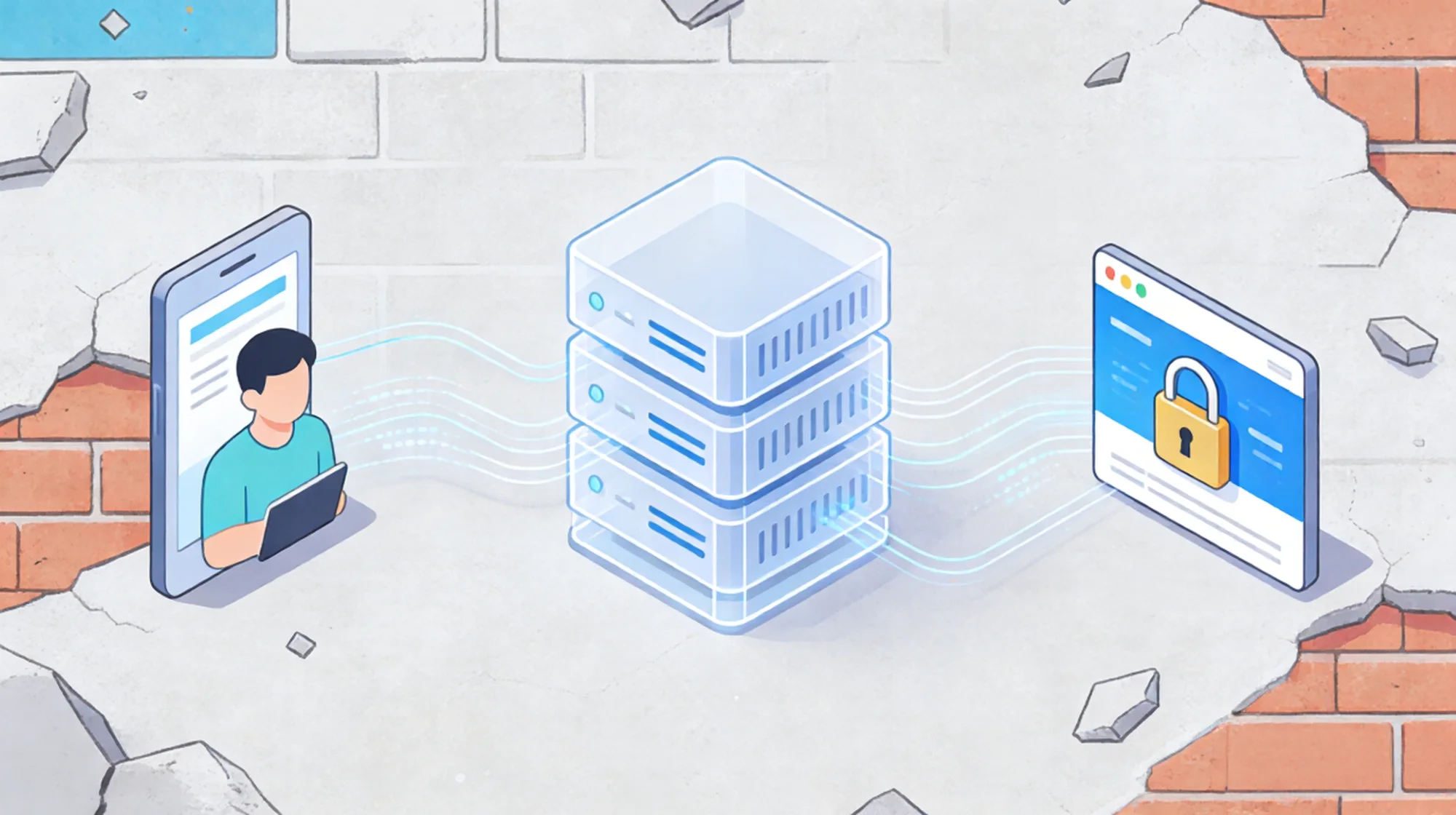
For developers, few things kill momentum faster than seeing the Copilot icon spin indefinitely, only to fail with a raw error log: “GitHub Copilot could not connect to server.”
You might see specific error codes like ETIMEDOUT, read ECONNRESET, or self signed certificate in certificate chain. While GitHub’s status page often shows “Operational,” your local VS Code environment is failing to establish a stable handshake with the AI endpoints.
This is rarely a plugin bug. In 90% of cases, it is a network routing issue caused by aggressive firewalls, SSL conflicts, or—most commonly—unstable proxy connections.

Why Your Copilot Connection Keeps Dropping
GitHub Copilot relies on a persistent, low-latency WebSocket connection to stream code suggestions in real-time. Unlike loading a static webpage, this stream is incredibly sensitive to Network Jitter and Latency.
Your connection is likely failing due to one of these backend triggers:
- Proxy Timeout (ETIMEDOUT): If you are routing traffic through a standard shared VPN or a congested public node, the “Time to First Byte” (TTFB) often exceeds Copilot’s strict timeout threshold.
- SSL Handshake Failure: Corporate firewalls or local proxy tools often intercept HTTPS traffic. If the certificate chain is broken or untrusted, VS Code will terminate the connection immediately to protect security, triggering the “Self-signed certificate” error.
- IP Reputation Blocks: GitHub’s WAF (Web Application Firewall) actively filters traffic from known Data Center IPs to prevent API abuse. If your current IP is flagged, the server simply drops the connection (ECONNRESET).
The Engineer’s Fix: Configure a Static Residential Tunnel
To ensure Copilot suggests code instantly without timeouts, you must upgrade your network transport layer. You need a connection that offers ISP-level trust and dedicated bandwidth.
The most effective solution for resolving persistent IDE network errors is upgrading to a Static Residential IP.
- Eliminate Rate Limiting: Resources from specialized providers like IPHalo are registered to genuine ISPs (such as Verizon or Comcast). GitHub trusts these IPs as authentic user endpoints, bypassing the WAF blocks that plague shared data center proxies.
- Stabilize WebSocket Streams: A Static IP provides a consistent, dedicated route for your traffic. This stability drastically reduces packet loss and latency, ensuring code suggestions appear in milliseconds.
Implementation: Enforce Proxy Settings in VS Code
Merely running a VPN in the background is often insufficient because VS Code does not always inherit system-wide routing rules correctly. You must explicitly tell the extension which tunnel to use.
Follow these steps to hard-code your high-quality connection into the IDE:
- Provision Your Endpoint: Log in to your provider dashboard and retrieve your Static Residential IP credentials (host, port, username, password).
- Modify JSON Settings: Open VS Code, press Ctrl+Shift+P (or Cmd+Shift+P), and search for “Preferences: Open User Settings (JSON)”.
- Inject Proxy Configuration: Add the following lines to your config object. This forces all HTTP/HTTPS traffic from VS Code to go through your dedicated static IP:
- “http.proxy”: “http://username:password@your-static-ip:port”, “http.proxyStrictSSL”: false, “github.copilot.advanced”: { “debug.overrideProxyUrl”: “http://username:password@your-static-ip:port” }
- Restart Environment: Save the file and restart VS Code completely. The Copilot icon should now remain active without disconnection.
Note: Setting proxyStrictSSL to false is a temporary workaround for certificate errors, but using a clean Static IP often makes this unnecessary as the SSL handshake will complete naturally.
Final Verdict
GitHub Copilot is a productivity multiplier, but it is useless if it cannot reach the server. Don’t let ECONNRESET errors slow down your development cycle. By configuring a dedicated Static Residential IP directly in your IDE settings, you secure a robust, uninterrupted pipe to GitHub’s AI, keeping your focus on the architecture, not the console logs.