For manga enthusiasts using Tachiyomi (or its popular forks like Mihon), few things are more frustrating than the dreaded “Failed to bypass Cloudflare” error. Just as you are about to read the latest chapter, this digital roadblock stops you cold.
While many users try clearing cookies or endlessly refreshing the WebView, these are often temporary band-aids. The root cause lies deeper in how your network connection interacts with modern web security.
In this guide, we will protect your reading experience by explaining why Cloudflare blocks you and how to solve it permanently using ISP Static Residential Proxies.
Why Does Cloudflare Block Tachiyomi?
Cloudflare is the internet’s bouncer. Its job is to protect websites from DDoS attacks and automated “bots.” Unfortunately, Tachiyomi’s behavior—rapidly fetching images and chapters—looks suspiciously like a bot to Cloudflare’s algorithms.
The 3 Triggers for Blocking:
- IP Reputation (The #1 Cause): If you are using a shared public Wi-Fi, a VPN with “Data Center” IPs, or a mobile network with a poor reputation score, Cloudflare assumes you are a threat.
- Traffic Patterns: Downloading 50 chapters in a minute creates a traffic spike that human users cannot physically achieve.
- Browser Fingerprinting: Tachiyomi is an app, not a standard web browser (like Chrome). If the “User-Agent” headers don’t match what Cloudflare expects, the connection is dropped.
Why “WebView” Isn’t a Permanent Fix
The common advice is to “Open in WebView” and solve the CAPTCHA manually. While this works for a single session, it defeats the purpose of an automated library. You have to repeat this process constantly because your IP address is still flagged as “suspicious.” As long as your network identity (IP) remains low-trust, Cloudflare will continue to challenge you.
The Real Solution: High-Trust Residential Proxies
To bypass these blocks consistently, you need to change how you appear to the internet.
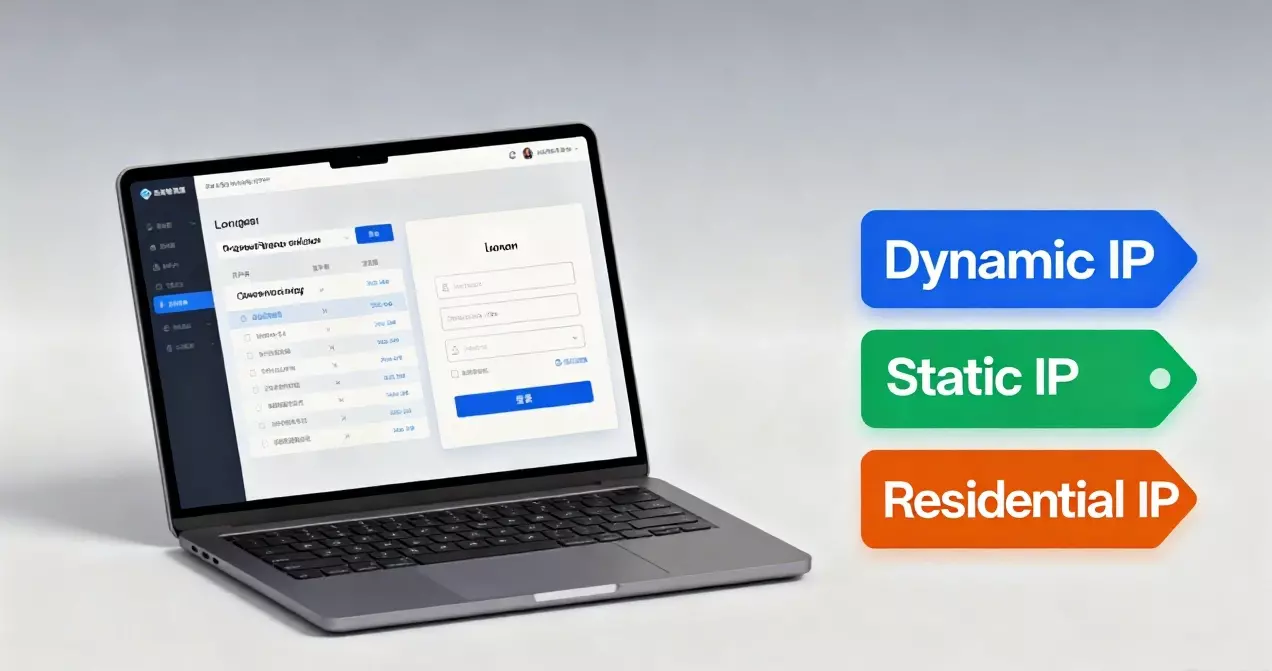
The Secret: ISP Static Residential Proxies Unlike standard VPNs that use easily detectable server IPs, ISP Static Residential Proxies (like those provided by IPHalo) assign you an IP address from a real internet service provider (e.g., AT&T, Verizon, or Comcast).
Why this works for Manga Reading:
- Human Identity: To Cloudflare, requests from an IPHalo residential IP look exactly like a normal user browsing from home.
- Zero CAPTCHAs: High-trust IPs rarely trigger security challenges, allowing Tachiyomi to update your library in the background without interruption.
- Geo-Unblocking: Access Japanese or Korean manga sources directly by using a local ISP IP, reducing latency and bypassing regional blocks.
Step-by-Step: Setting Up Proxies in Tachiyomi/Mihon
Configuring a proxy is built directly into the app’s settings. Here is how to do it:
Step 1: Get Your Proxy Credentials Register with IPHalo and generate a SOCKS5 or HTTP proxy. You will get an IP, Port, Username, and Password.
Step 2: Configure the App
- Open Tachiyomi/Mihon.
- Go to More -> Settings.
- Tap Advanced -> Network.
- Find Proxy Settings.
- Enter your Host (IP), Port, Username, and Password.
Step 3: Test the Connection Go back to your library and pull down to refresh. If the “Cloudflare” error is gone and chapters update smoothly, your proxy is working.
Choosing the Right Proxy Type
- For Heavy Readers (ISP Static Residential): If you read daily from specific sources, use a Static Residential IP. It keeps your identity consistent, building “trust” with the source website over time.
- For Bulk Updating (Rotating Residential): If you are updating 100+ extensions at once, a Rotating Proxy might be better, as it changes your IP for every request to avoid rate limits.
Why IPHalo?IPHalo specializes in clean, unbanned ISP IPs. With coverage in 190+ regions, you can match your IP location to the manga source (e.g., using a Tokyo IP for Japanese raw sites) for the fastest speeds and highest success rates.
Legal Disclaimer
Important Note: This guide is intended to help users fix network connectivity issues and access public domain content. We do not condone the downloading of copyrighted material without permission. Please respect the intellectual property rights of creators and publishers. Always use official platforms when available.
Final Thoughts
The “Failed to bypass Cloudflare” error is a symptom of a poor quality network connection. Stop fighting with CAPTCHAs. By upgrading your connection with IPHalo’s ISP Static Residential Proxies, you ensure a smooth, uninterrupted reading experience.